Free · runs in your browser · in beta
Free virtual PLC lab. Real machines in 3D.
Program PLCs, wire panels, teach robots and run plants on 3D machines in your browser. Nothing to install.
New here? Start with one of these
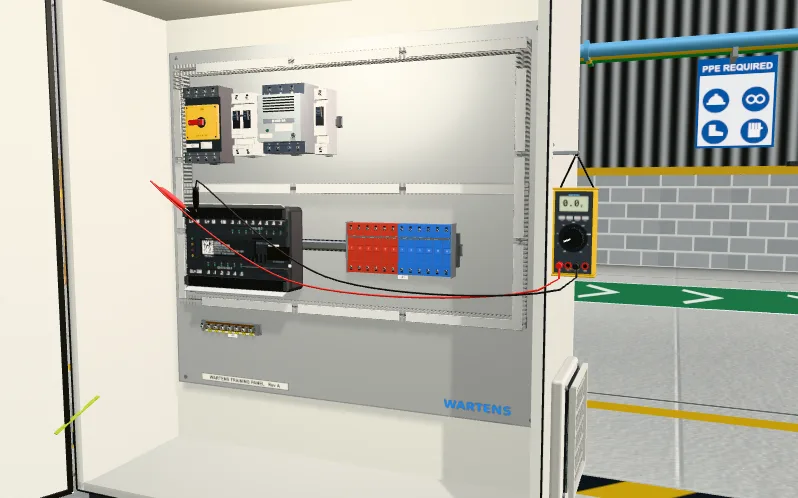 PLC labPower the PLCLevel 1 · 30 minStart: Power the PLC, PLC lab
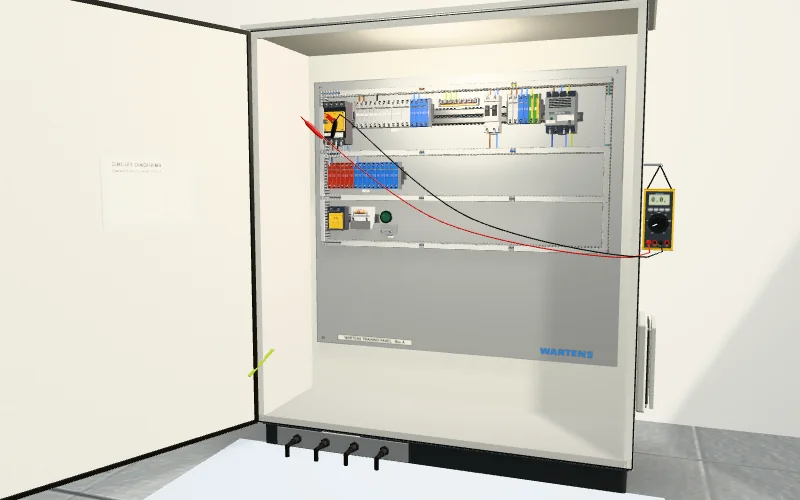 Electrical labMeet the bench and your meterLevel 1Start: Meet the bench and your meter, Electrical lab
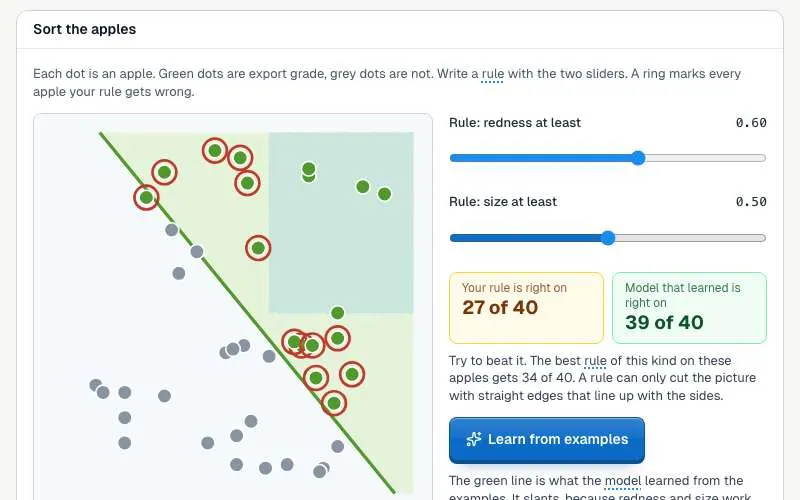 AI Basics labWhat is AI? Rules or learning from examplesLevel 1 · 10 minStart: What is AI? Rules or learning from examples, AI Basics lab
All labs
Automation and controlPLCs, panels, robots and process plants
- Open lab: PLC lab
PLC lab
Program a working machine in ladder, Structured Text or SFC and watch it run.
23 levels
- Open lab: Electrical lab
Electrical lab
Lock out, wire, test and fault-find a control panel, then prove it with a factory acceptance test.
33 levels
- Open lab: Robotics lab
Robotics lab
Teach a robot arm a pick and place job and prove its handshake with the PLC.
13 levels
- Open lab: Process lab
Process lab
Read the P&ID, check and calibrate instruments, tune loops and run a plant from a control room.
10 levels
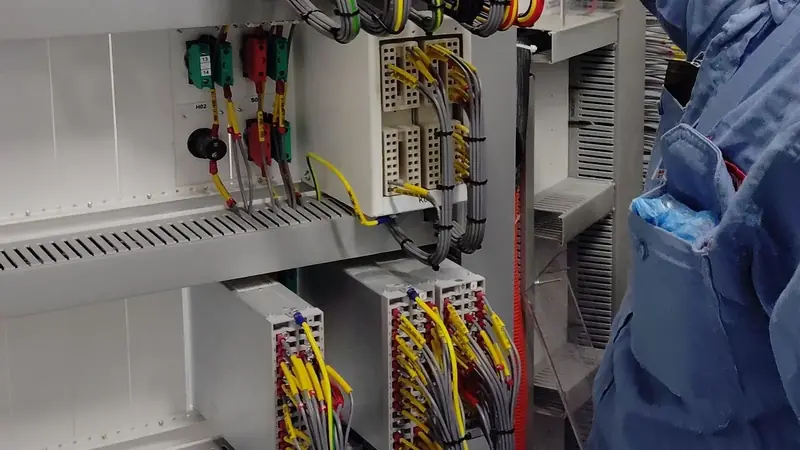
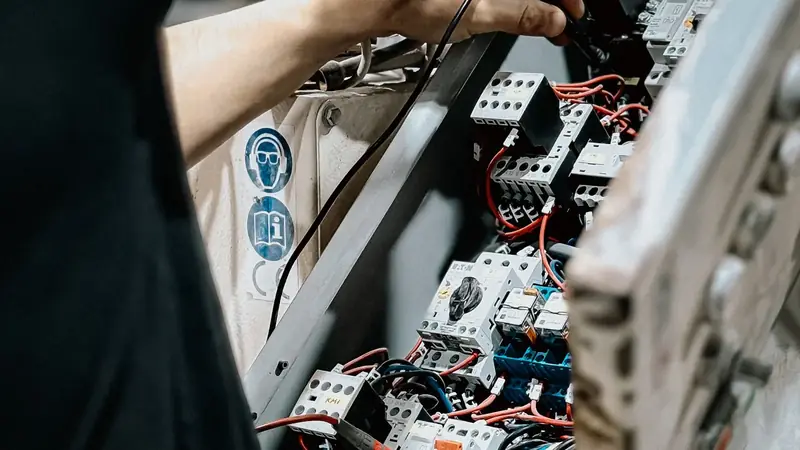
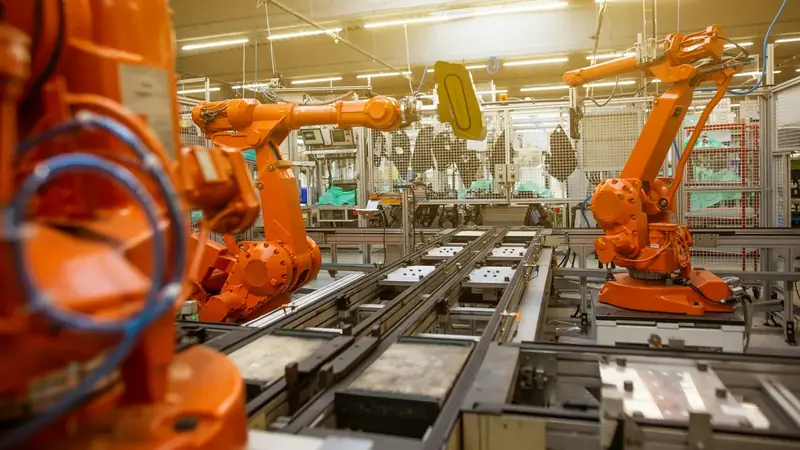

MaintenanceKeep a plant running: mechanical, electrical and instrument work, recorded in a CMMS
- Open lab: Maintenance lab
Maintenance lab
Keep a small plant running: find faults with real instruments, fix them safely and record the work in a CMMS.
15 levels
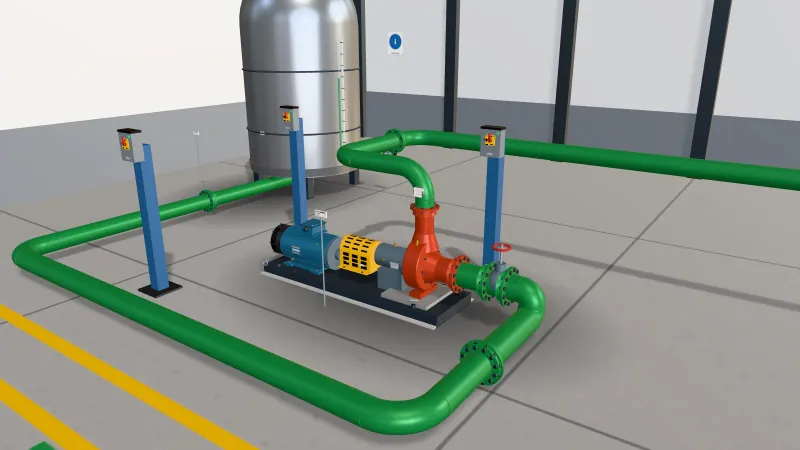
Power and energySwitchrooms, motor control, solar and EV charging
- Open lab: Substation and MCC lab
Substation and MCC lab
Walk a small substation, isolate a motor bucket safely, grade a relay and fault-find a motor control centre.
8 levels
- Open lab: Solar and EV lab
Solar and EV lab
Size a solar array, set a battery and fault-find an EV charger on a commercial site.
8 levels
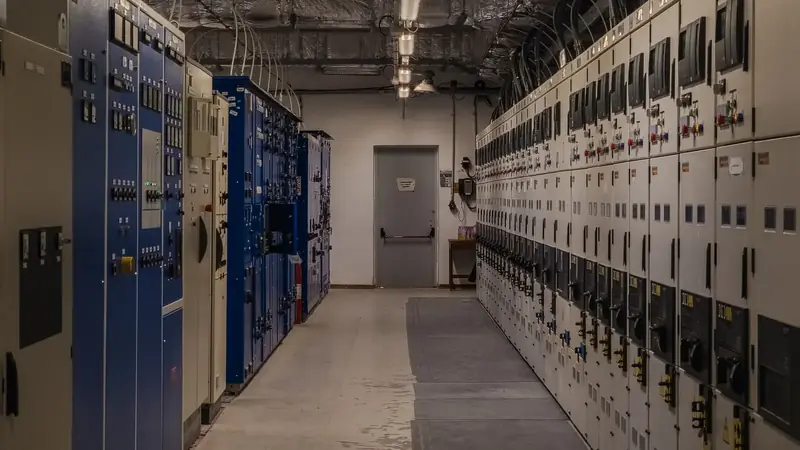

AI and dataModels, data and the data centres that run them
- Open lab: AI Basics lab
AI Basics lab
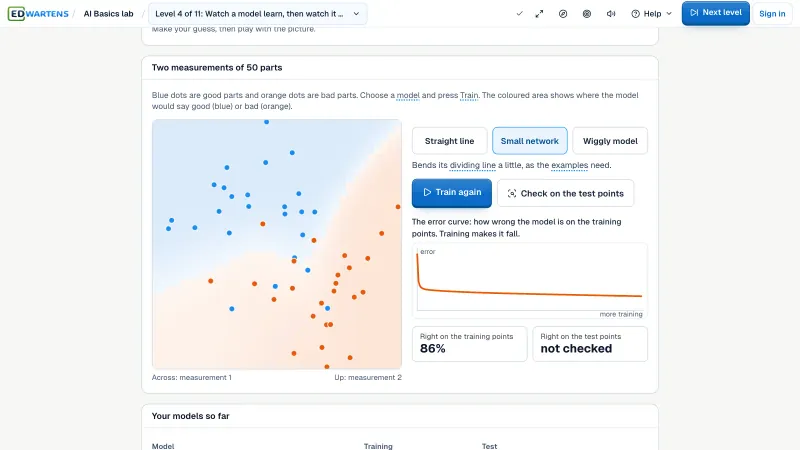
Learn what AI is by playing with it: teach a camera, watch a model learn, test it and check it is fair.
11 levels
- Open lab: AI Workbench
AI Workbench
Prepare data, train a model and check the AI's work against a brief.
16 levels
- Open lab: AI Data Centre lab
AI Data Centre lab
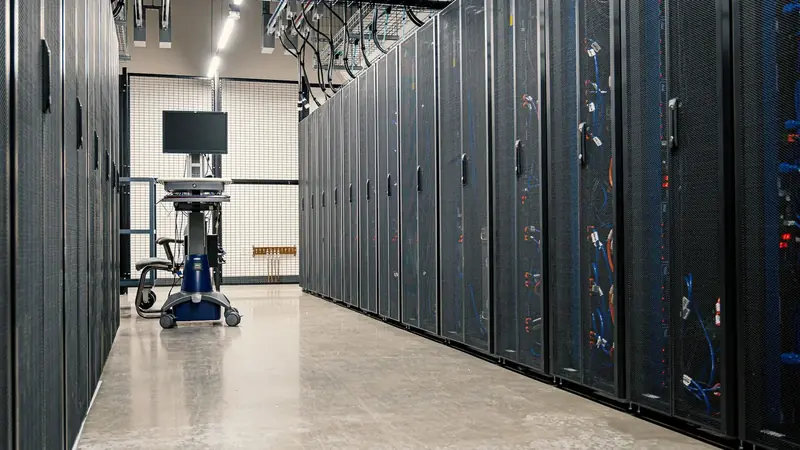
Walk an AI data hall, rack and cable a GPU server, and size its power and cooling.
8 levels
SecurityDefending industrial networks
- Open lab: OT security lab
OT security lab
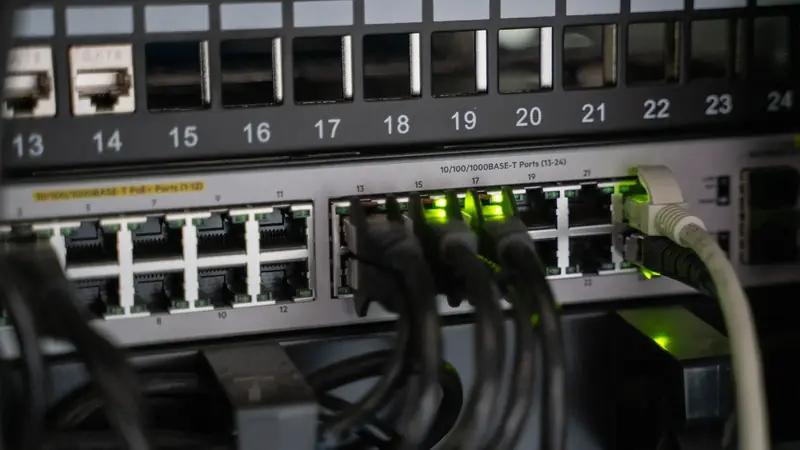
Map a plant network, split it into zones, write the firewall rules, read the logs and run the response drill.
8 levels
See it first
See the lab in action.
Real clips from inside the labs. Each one is a thing you will do.
Program a PLC and see the machine run
Build a ladder rung and watch it solve
Prove a panel dead before you touch it
Teach a robot arm its pick and place
How a lab works
Read it. Do it. Pass it.
The same three steps in every lab.
- Step 1
Read the job card
A short client brief gives the inputs, the outputs and what the machine must do.
- Step 2
Do the job
Write the program or wire the panel, and watch the machine respond.
- Step 3
Pass the test and keep the report
A numbered acceptance test marks your work. Sign in to record the pass and download the report.
For teams
For classes and hiring.
Questions
Questions about the labs
What is a virtual PLC lab?+
A virtual PLC lab is software that lets you write a PLC program and test it on a simulated machine, with no hardware. EDWartens Lab is a free one that runs in your browser: you write ladder, Structured Text or SFC, press Simulate, and a 3D plant answers. A factory acceptance test then marks your work.
Is there a free virtual PLC lab online?+
Yes. EDWartens Lab is free to open and use in a browser, with 23 PLC levels and 153 levels across all its labs. You can start without an account. Only optional extras, such as an engineer review of your report, are paid. The lab is in beta.
Can I learn PLC programming without hardware?+
Yes. The PLC lab gives you a client brief, an I/O list and a simulated machine such as a motor, a conveyor, a tank or a pump, so you can write a program and watch it work. Real hardware still teaches wiring and commissioning on site, so use the lab to get the logic right first.
Do I need TIA Portal, Studio 5000 or a real PLC?+
No. The lab uses its own PLC engine in the browser. Nothing is installed and no licence or PLC is needed. You can view a program in a Siemens-style or a Rockwell-style layout, which is useful practice before you move to those tools.
Which PLC languages can I use?+
Ladder logic, Structured Text and Sequential Function Chart, the IEC 61131-3 languages. They share one studio, so you can try the same job in more than one language. The lab covers these three, not every part of the standard.
How is my work marked?+
Each level ends with a numbered factory acceptance test (FAT). It runs your program against the simulated machine and checks its behaviour, test by test, and some values are drawn per learner so a program cannot just fit one answer. Sign in to record a pass and download the FAT report.
What if I get stuck on a level?+
Every level has hints and a full solution, explained step by step. Read it, let the lab build it with you, or download it as a guide. A level done with it is marked Solved with help, not passed.
Can I use it on a phone?+
Yes. Every lab opens in a phone browser and nothing is installed. Programming and wiring are easier on a laptop, where the 3D scene and the editor have more room.
Is it really free?+
Yes. Opening the labs, doing the levels and passing the acceptance tests are free. A free EDWartens account is only needed to record a test result, rate a lab and keep your work in sync on every device. Optional extras, such as an engineer review of your report, are paid.
Can teachers assign it to a class?+
Yes. Teachers and trainers can assign levels with due dates and see who has passed. Students need no software, only a browser. See edwartens.com/universities for how it works.
Can I show my results to an employer?+
Yes. A passed level gives you a FAT report you can download and share. Employers can also set an assessment that a candidate opens with a code, with time and attempt limits, and see the result, the time taken and the program. See edwartens.com/employers.
Read the full guide: what a virtual PLC lab is and how it compares.