PLC lab · Level 1
Motor start/stop with overload
Start, seal-in, stop, E-stop and an overload that trips. The first thing every PLC programmer builds.
- Foundation
- About 45 minutes
Virtual PLC lab
Learn PLC programming the way an engineer works: take a brief, write the logic, watch a machine run it and pass a test. Nothing to install and no PLC to buy.
In short
A virtual PLC lab is software where you write a PLC program and test it on a simulated machine, with no hardware. EDWartens Lab is a free one in your browser: ladder, Structured Text and SFC, 3D plants and an automatic test.
Labs to open for this
The PLC lab has 19 levels. Each is a job from a fictional client: a motor start/stop with overload, a conveyor, a star-delta starter, a batch counter, a tank pump, a pedestrian crossing, and then timed sequences, analog signals, recipes and fault finding.
You write the program in ladder, Structured Text or SFC and a 3D plant answers it.
The same free lab also has the Panel Lab (10 levels of control panel wiring with real test tools) and labs for robots, process control, AI, data centres, substations and motor control, solar and EV charging, and OT security. Together they have 96 levels.
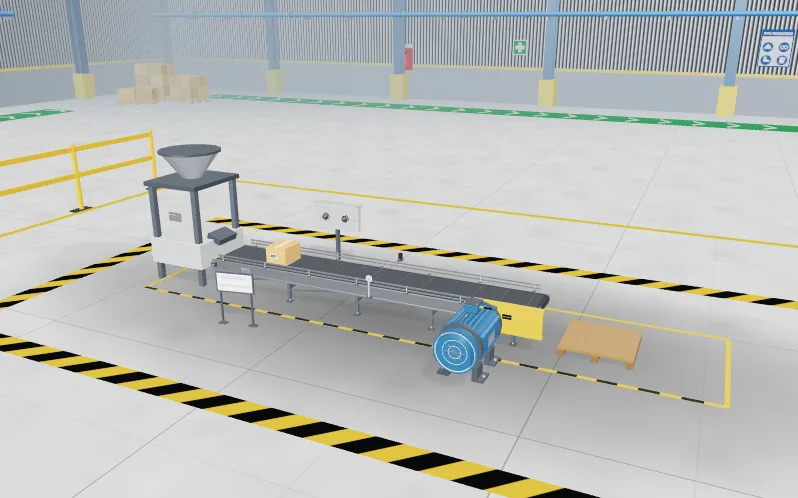
PLC lab · Level 1
Start, seal-in, stop, E-stop and an overload that trips. The first thing every PLC programmer builds.
PLC lab · Level 4
Count boxes past a photo-eye once each, stop at the batch size, and survive a backed-up line.
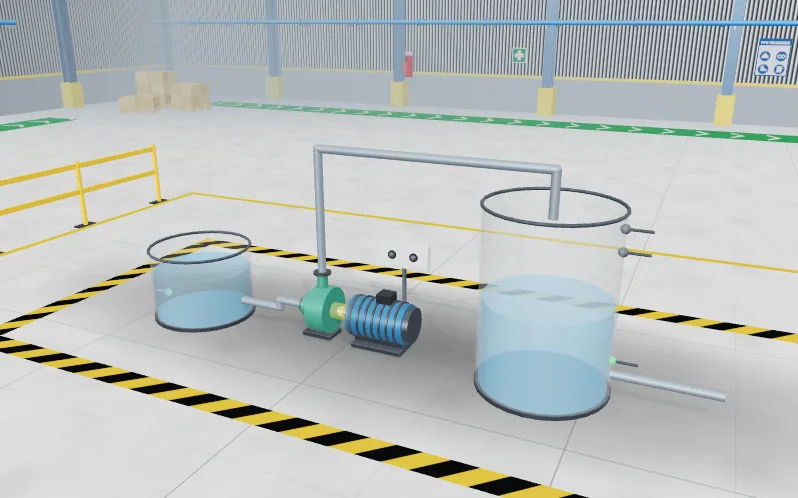
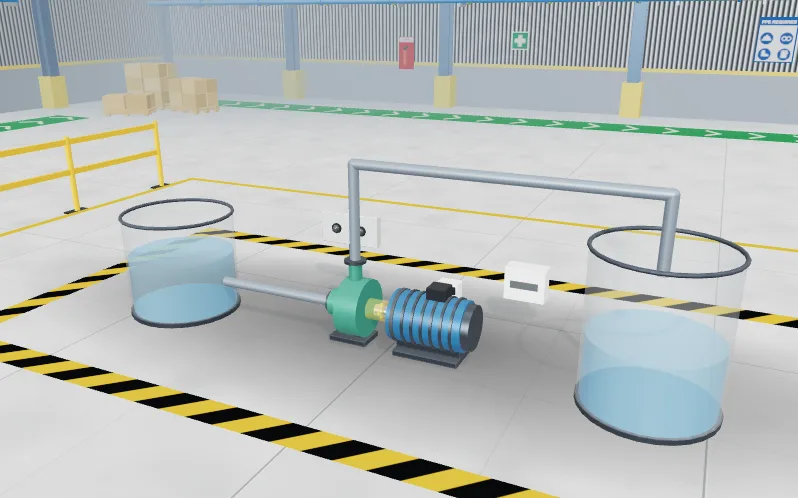
PLC lab · Level 5
Fill between two floats, protect the pump from running dry, and latch a high-high alarm.
Browse all labs. They open without an account; a free account records your results.
3 steps
Every lab runs the same way.
Read the job card: a short client brief with the inputs, the outputs and what the machine must do.
Build it: write the program in ladder, Structured Text or SFC, and run it against the 3D plant.
Pass the factory acceptance test (FAT): a numbered test marks the behaviour, and you keep the report.
As of 28 Oct 2026
A fair look at five ways to practise PLC programming, as of 28 Oct 2026. Each column uses facts its maker publishes. Tools change, so check the sources below before you buy.
| EDWartens Lab | Hardware PLC trainer kit | Factory I/O | Siemens S7-PLCSIM with TIA Portal | Free browser ladder simulators (such as PLC Fiddle) | |
|---|---|---|---|---|---|
| Runs in a browser | Yes | No | No, it is desktop software | No, it runs on a Windows PC | Yes |
| Install needed | No | The kit, plus the maker's programming software on a PC | Yes | Yes, with TIA Portal | No |
| Cost | Free to use. An engineer review of your report is optional and paid. | You buy or share a kit; prices depend on the maker. | Paid: 435€ one-time, 158€/year or 17€/month (Factory I/O's published prices, January 2023; check its buy page). | Licensed by Siemens. S7-PLCSIM needs a STEP 7 licence, or an S7-PLCSIM Advanced licence. | Free to use. |
| Physical plant or 3D model | 3D plants and machine models that run in step with your program | Real switches, lamps and sometimes a small physical model | Yes: 3D scenes (more than 20 per edition) that connect to a real or emulated PLC, such as S7-PLCSIM | No plant of its own. It simulates the PLC; other tools can supply the plant. | No plant: basic inputs, outputs and lamps |
| Automatic marking | Yes: a numbered factory acceptance test marks each level | Usually by an instructor | Not built in, as far as its public pages state | Not built in | No |
| Languages | Ladder, Structured Text and SFC | Depends on the PLC brand | Whatever the connected PLC software supports | Those TIA Portal offers for S7 PLCs, including ladder, FBD and SCL | Basic ladder |
| Best for | Learning PLC programming, classes and practice with marked jobs | Hands-on wiring and real hardware | Practising control of a 3D plant with a PLC or emulator you already have | Siemens-specific skills and testing S7 projects before download | Trying one rung or one idea quickly |
Swipe the table sideways to see every option. The criteria stay in view.
Sources: Factory I/O: buy online, Factory I/O: new pricing (January 2023), Factory I/O: features, Siemens: S7-PLCSIM in the Industry Mall, PLC Fiddle. Factory I/O, Siemens, TIA Portal, S7-PLCSIM and PLC Fiddle are trademarks of their owners. EDWartens is not connected to them.
Who it is for
Students, apprentices and career changers who want PLC practice without buying a kit. Trainers and colleges that want each student on their own bench, with due dates and a view of who has passed. Employers who want a candidate to show a working program rather than describe one.
It is practice, not a replacement for real equipment. Use it to get the logic, the structure and the testing habits right, then spend hands-on time on wiring, tools and the real controller.
Keep going
Guides on the same subject, and every lab in one place.
Guide
Free online PLC simulator that runs in your browser. Write ladder, Structured Text or SFC and test it on a running plant model. No download needed.
Read the guideGuide
Practise ladder logic online for free. Build rungs, watch them energise and test them on a real plant model with a factory acceptance test.
Read the guideGuide
Free IEC 61131-3 simulator in your browser: write Structured Text, SFC or ladder and run it against a live plant model. No install needed.
Read the guideGuide
A free virtual PLC and electrical panel lab for classes. Assign machines with due dates and see who has passed, without buying trainer kits.
Read the guideHome
The front page of the lab, with every lab and the first level to open.
Go to the front page PLC labProgram a working machine in ladder, Structured Text or SFC and watch it run.
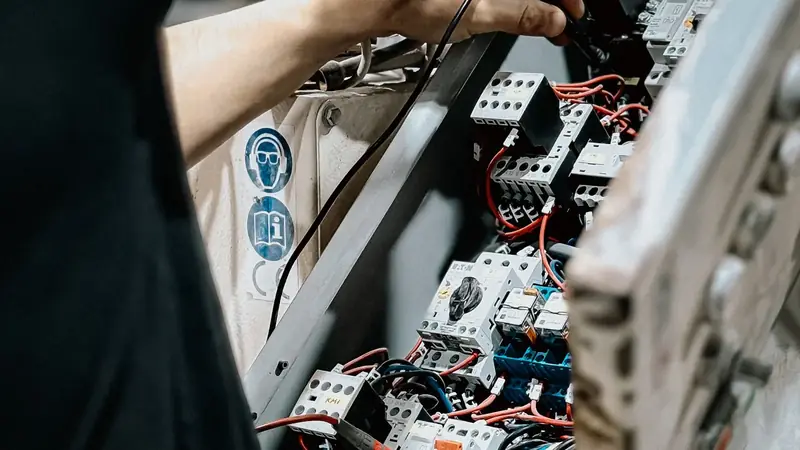 Panel LabLock out, wire, test and fault-find a control panel, then prove it with a factory acceptance test.
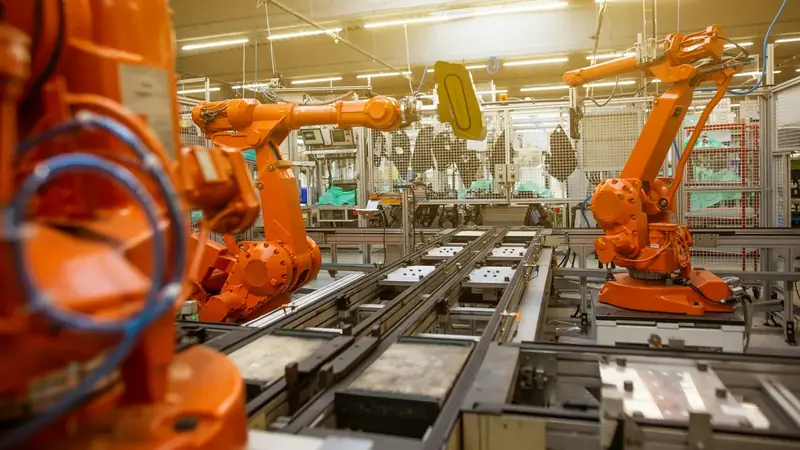 Robotics labTeach a robot arm a pick and place job and prove its handshake with the PLC.
 Process labRead the P&ID, check and calibrate instruments, tune loops and run a plant from a control room.
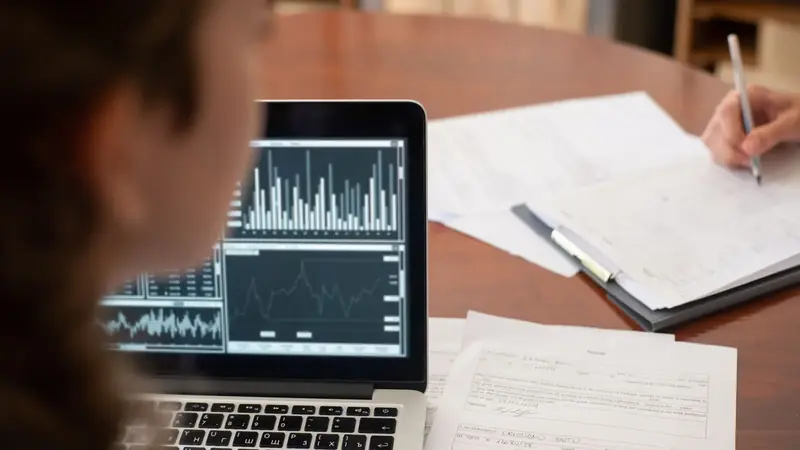 AI WorkbenchPrepare data, train a model and check the AI's work against a brief.
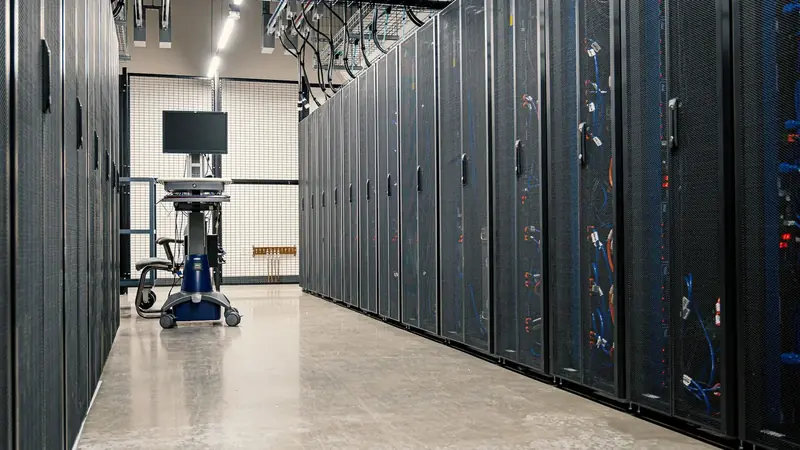 AI Data CentreWalk an AI data hall, rack and cable a GPU server, and size its power and cooling.
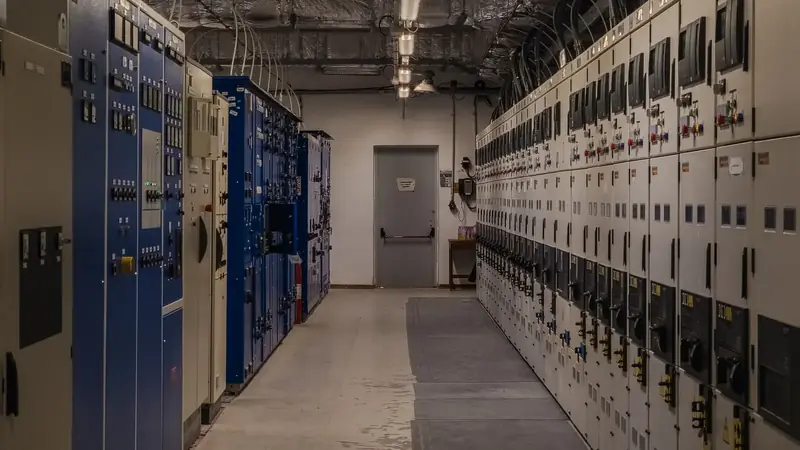 Substation and MCC labWalk a small substation, isolate a motor bucket safely, grade a relay and fault-find a motor control centre.
 Solar and EV labSize a solar array, set a battery and fault-find an EV charger on a commercial site.
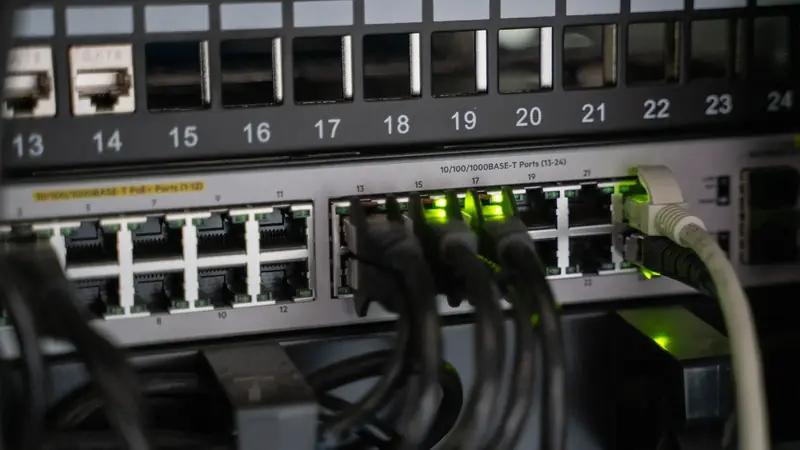 OT security labMap a plant network, split it into zones, write the firewall rules, read the logs and run the response drill.
Questions
A virtual PLC lab is software where you write a PLC program and test it on a simulated machine, with no hardware. EDWartens Lab is a free one that runs in your browser, with ladder, Structured Text and SFC, 3D plants and an automatic factory acceptance test.
Not quite. A PLC emulator, such as S7-PLCSIM, imitates one make of controller so you can run real project files. A virtual PLC lab adds the machine, the brief and the marking, so you practise the whole job. EDWartens Lab uses its own PLC engine and is not tied to one make.
Factory I/O is paid desktop software with 3D scenes that connect to a real or emulated PLC, so you program in another tool. EDWartens Lab is free, runs in a browser, has its own PLC editor and plants in one window, and marks each level with a test.
No. The lab has its own PLC engine and editor in the browser. Nothing is installed. You can view a program in a Siemens-style or Rockwell-style layout as practice for those tools.
Ladder logic, Structured Text and Sequential Function Chart, the IEC 61131-3 languages, in one studio. The lab covers these three, not every part of the standard.
Yes. Opening the labs, doing the levels and passing the tests are free, and you can start without an account. A free EDWartens account records results, ratings and your work on every device. An engineer review of your report is optional and paid. The lab is in beta.
It can replace much of the practice that does not need physical equipment: programming, testing and fault finding. A kit still teaches wiring and real hardware, so many courses use both.
Open a lab, read the brief and run your program on a machine in the browser. No account needed to start.