
Ladder logic
Ladder logic simulator online, with a plant that answers back
Ladder logic is the language most PLC programmers learn first, and it is best learned by watching a machine obey it. The ladder editor in EDWartens Lab runs your rungs live beside a simulated plant, free in your browser.
Open the lab freeSee the whole lab
Free with a free EDWartens account. Runs in your browser. The lab is in beta.
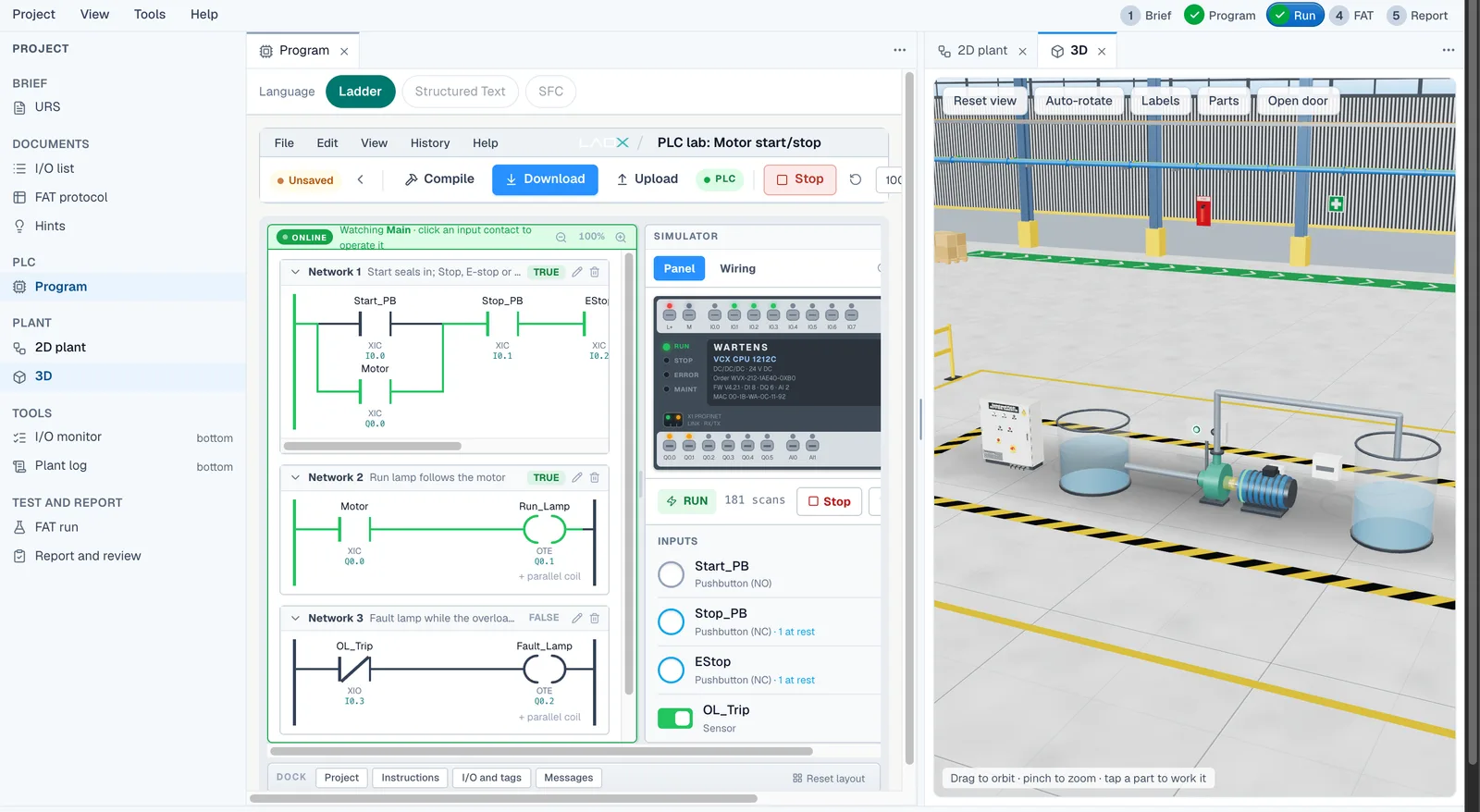
Learn ladder logic by running it
A ladder diagram reads like a relay circuit: contacts on the left, a coil on the right, power flowing along the rung when the conditions are true. In the lab, energised rungs turn green as the program scans, and the tag table shows each input and output change as it happens. You see why a rung is true or false instead of guessing.
That live feedback is what makes the simulator useful for a beginner. When a motor will not stay running, you can see that the seal-in contact never closed. When a tank overfills, you can see which float contact you forgot.
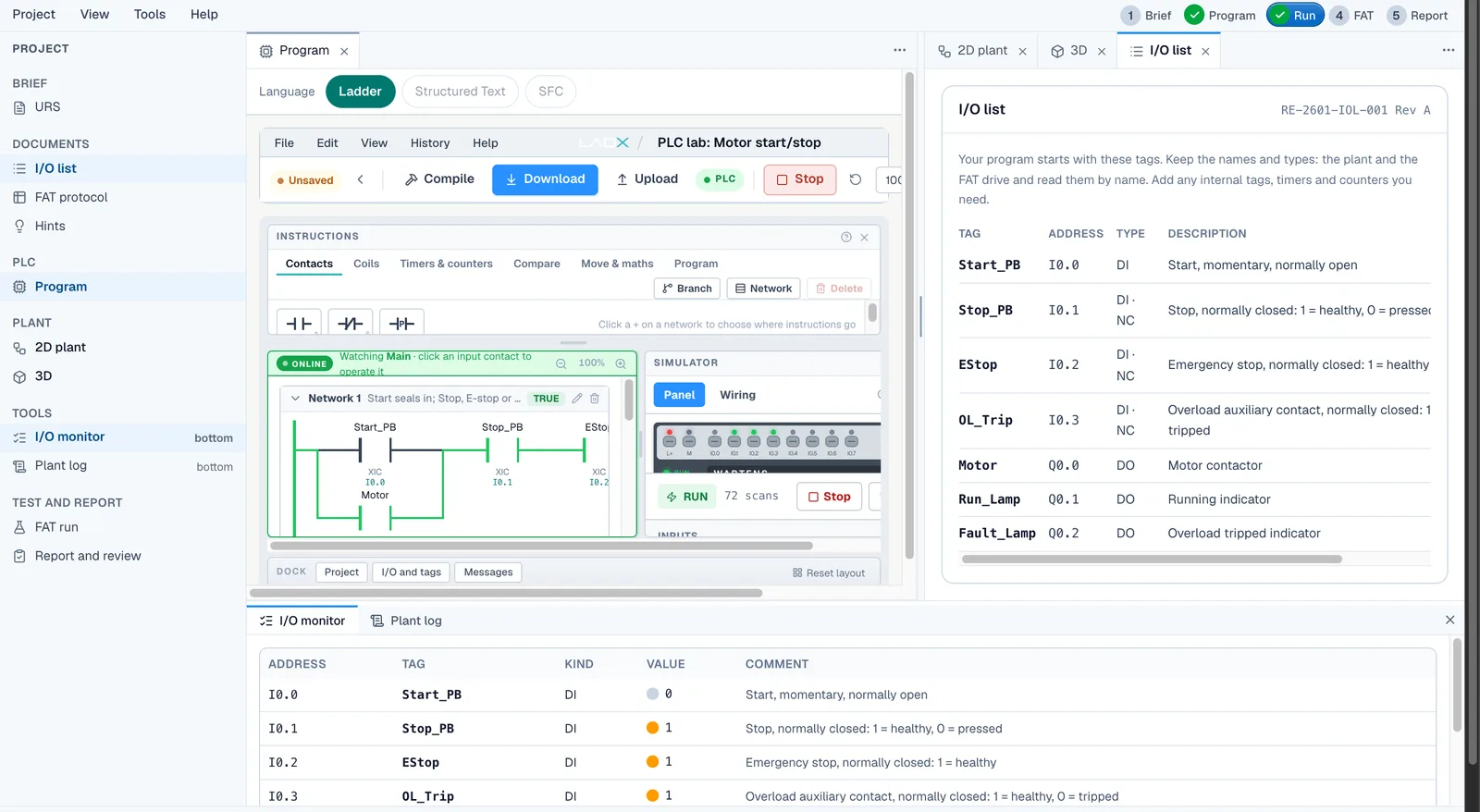
Real jobs, not toy rungs
Every ladder exercise is a small piece of real plant work. The first is a motor start/stop with an overload and an emergency stop. After that come interlocked forward and reverse contactors, a star-delta changeover with a dead gap, a batch counter that has to count each box once, and a tank pump with dry-run protection and a latched high-high alarm.
The acceptance tests are numbered and run automatically. They check the behaviour a client would check, including the awkward cases, such as a backed-up conveyor or a pump that trips while its partner is already running.
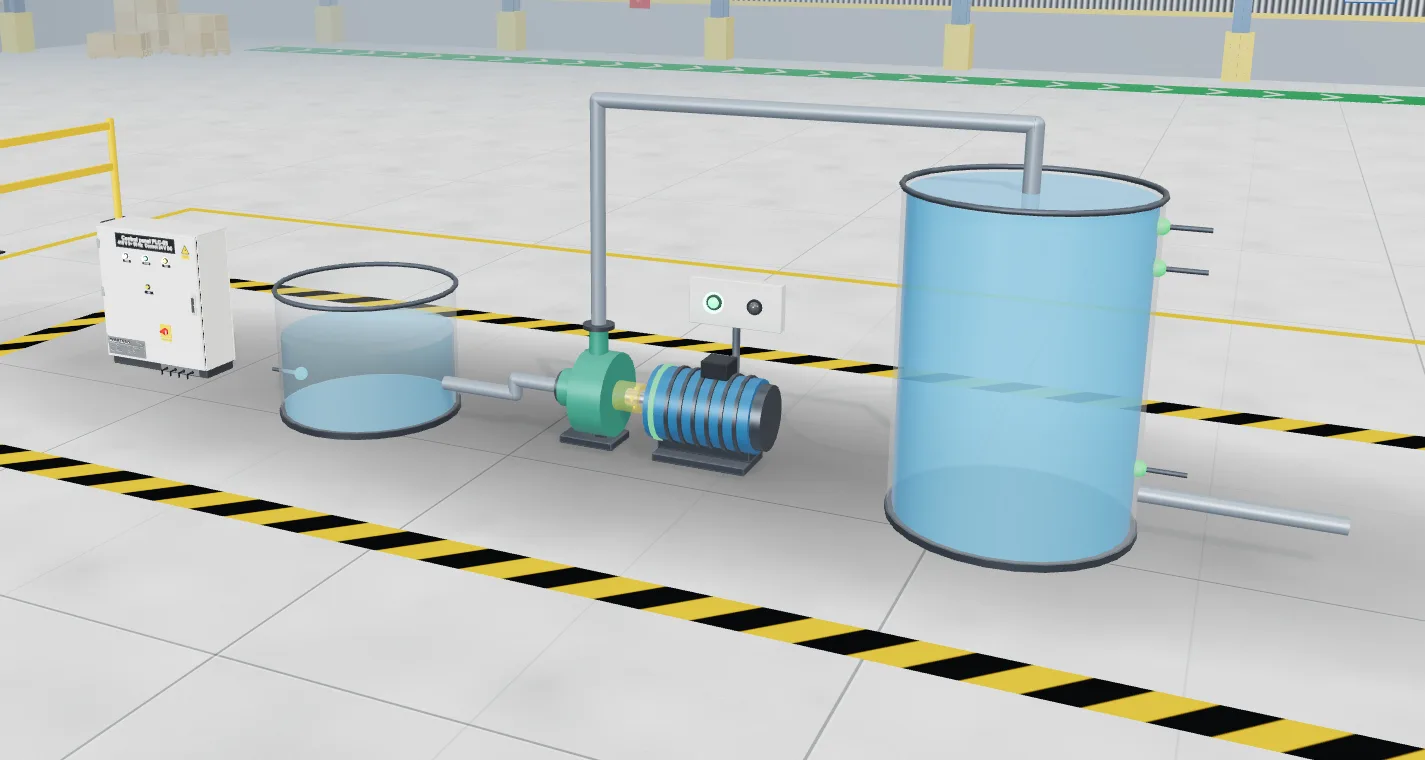
Ladder, then Structured Text and SFC
Ladder is not the only language in the studio. The same job can be written in Structured Text or as a sequential function chart, and the same acceptance tests judge whichever you choose. Many learners write a job in ladder first, then rewrite it in Structured Text to see the difference.
Good to know
The lab uses its own PLC engine rather than a copy of a vendor's software, so some instruction details will differ from the PLC you use at work. The logic ideas do not. The lab is free with a free EDWartens account and is in beta.
How it works
- Open a PLC lab and read the brief, the I/O list and the acceptance tests.
- Build the rungs in the ladder editor and press run.
- Watch the energised rungs, the tag table and the plant model.
- Change the program until the machine behaves, then run the FAT.
Labs to open for this
- Motor start/stop with overloadPLC lab · Foundation
- Forward/reverse conveyorPLC lab · Foundation
- Batch counter on a packing linePLC lab · Foundation
- Tank filling pumpPLC lab · Foundation
Browse all labs (free account needed to open them).
Questions people ask
Can I practise ladder logic online for free?
Yes. EDWartens Lab has a free ladder logic editor that runs in your browser. Each exercise connects the program to a simulated machine, so you can see the effect of every rung. A free EDWartens account is needed.
What is the best way to learn ladder logic as a beginner?
Start with a start/stop circuit and add one idea at a time: seal-in, overload, timer, counter. Run each version against a simulated machine and read what the rungs are doing. Practice on real jobs teaches more than reading alone.
Is ladder logic still used in industry?
Yes. Ladder diagram is one of the five IEC 61131-3 PLC languages and is widely used for discrete machine control and maintenance work, because electricians and technicians can read it like a relay circuit.
Does the ladder simulator have timers and counters?
Yes. The PLC labs include timer and counter work, such as the dead time before a conveyor reverses, the star-delta changeover and the batch counter on a packing line.
Related guides
- Free online PLC simulator
- Structured Text and SFC simulator
- Motor starter simulator (DOL, star-delta, reversing)
- EDWartens Lab: the free virtual PLC lab