Skip to content
BETAThe lab is free and in beta. Found something wrong?

Robotics lab

Industrial robot programming simulator that runs in your browser

Teach a robot arm a pick and place job and prove its handshake with the PLC.

0 of 13 levels done

  • Free
  • About 6 hours
  • Foundation to Advanced
  • 133 learners

Free to open. Your work is saved on this device; a free account keeps it everywhere. The lab is in beta.

13 levels

Levels in the Robotics lab

Start at the top, or open any level you like. Tap a title to read about it.

Foundation

Levels 1 to 3
  1. Start Safe start
  2. Start Jog
  3. Start Teach and run

Programming

Levels 4 to 6
  1. Start Pick and place
  2. Start Palletising
  3. Start Machine tending

Safety, servo axis and the cell

Levels 7 to 13
  1. Start Safety validation
  2. Start Fault finding
  3. Start Commission a servo axis
  4. Start Meet the robot cell
  5. Start Set up the gripper air
  6. Start Prove the safety circuit
  7. Start Fault-find the cell

Walkthrough

Watch the full walkthrough

Voiced, with chapters. It loads when you press play.

Robotics lab walkthrough: jog, teach and run a cell. Playing this video loads YouTube.

Equipment in this lab

Equipment in the Robotics lab

73 real things to look at. 28 open up to show what is behind the cover, and 25 pull apart piece by piece.

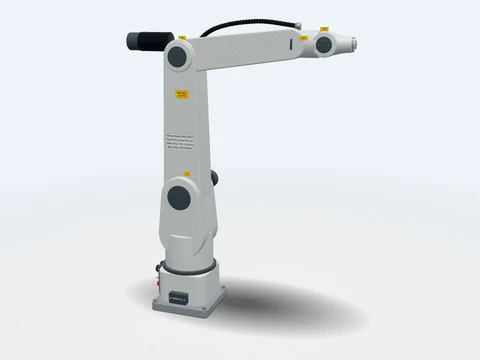
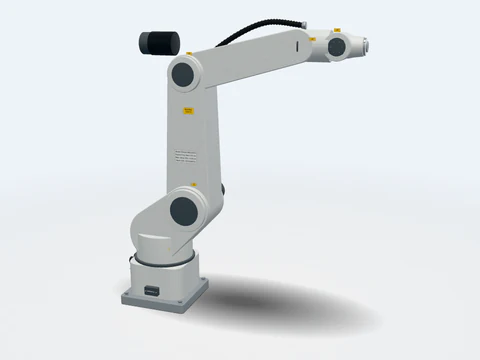
  • 6-axis industrial arm in the Robotics lab, shown in 3D6-axis industrial armSix turning joints that put a tool anywhere in reach.Opens
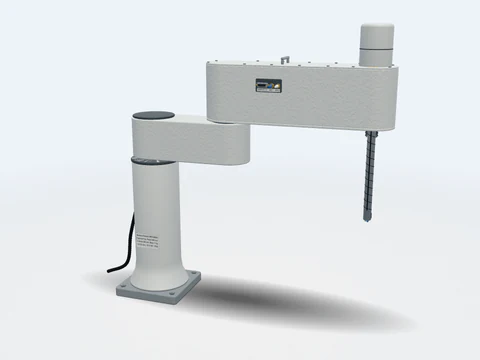
  • SCARA arm in the Robotics lab, shown in 3DSCARA armTwo flat arms and a vertical quill, fast for light pick and place.Opens
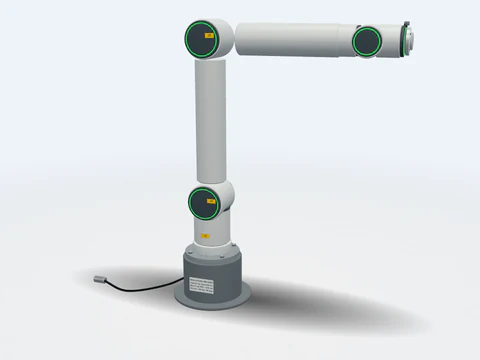
  • Collaborative arm in the Robotics lab, shown in 3DCollaborative armA slow, soft-skinned arm built to work next to people.Opens
  • 6-axis compact arm in the Robotics lab, shown in 3D6-axis compact armA small, fast six-axis arm for light parts, in four common sizes.Opens
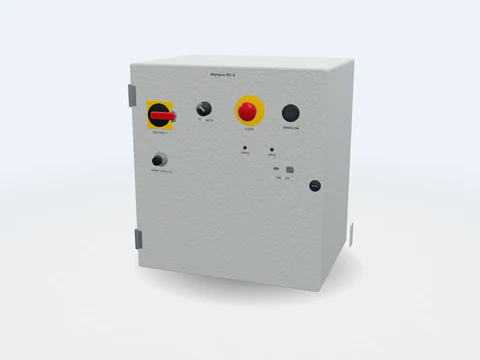
  • Robot controller cabinet in the Robotics lab, shown in 3DRobot controller cabinetThe cabinet that powers the arm, holds the safety circuit and runs the programs.Opens
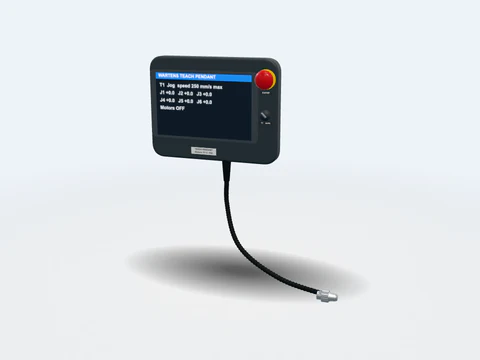
  • Teach pendant in the Robotics lab, shown in 3DTeach pendantThe handheld unit used to jog and teach the robot.Opens
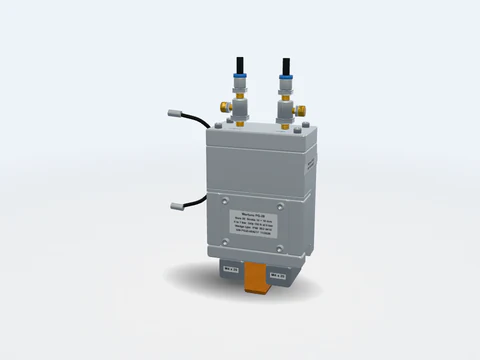
  • Pneumatic parallel gripper in the Robotics lab, shown in 3DPneumatic parallel gripperTwo jaws that move straight in and out to grip a part.OpensPulls apart
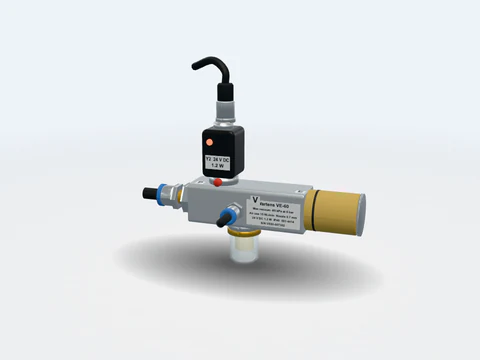
  • Vacuum generator (venturi ejector) in the Robotics lab, shown in 3DVacuum generator (venturi ejector)A nozzle that uses compressed air to pull a vacuum.OpensPulls apart
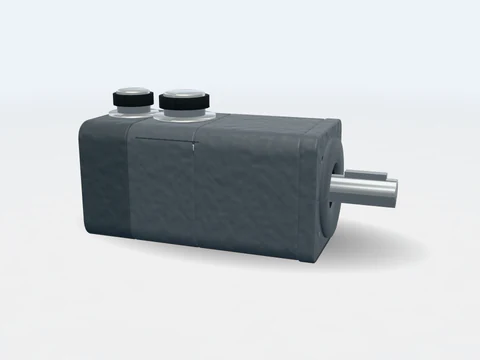
  • Servo motor with brake and encoder in the Robotics lab, shown in 3DServo motor with brake and encoderA compact motor that holds position and follows commands exactly.OpensPulls apart
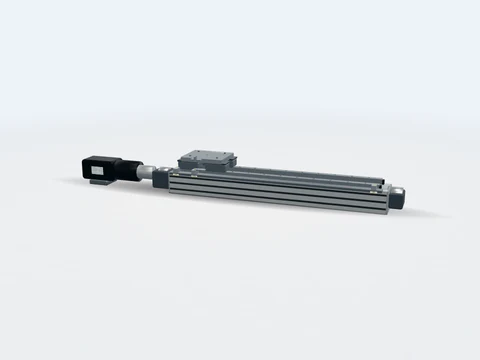
  • Ball-screw linear axis in the Robotics lab, shown in 3DBall-screw linear axisA servo-driven slide that moves a carriage along a screw.OpensPulls apart
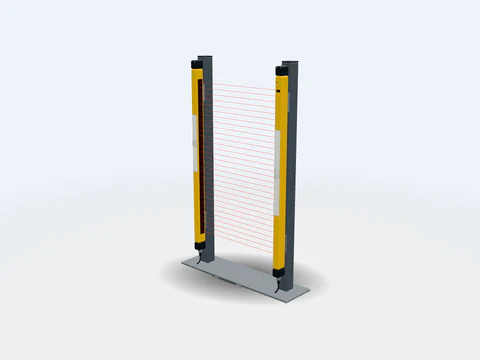
  • Light curtain in the Robotics lab, shown in 3DLight curtainA wall of invisible light beams that stops the machine when something breaks it.
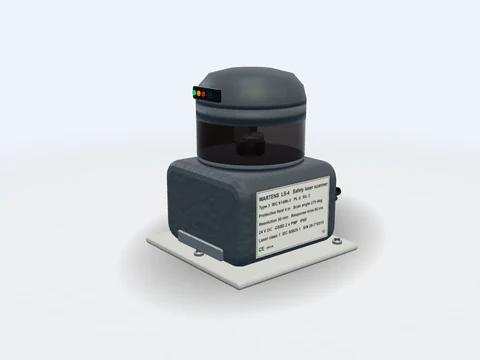
  • Safety laser scanner in the Robotics lab, shown in 3DSafety laser scannerA spinning laser that sees people in an area and stops the robot.

and 61 more in the library.

Open the lab with its equipment library

Ratings and reviews

What learners say

Ratings come from learners who saved work in this lab.

Ratings and reviews

4.2
11 ratings
57
40
33
21
10
  • falta el idioma español

    Vladimir R. · Worked on 3 levels · 11 Nov 2026
    EDWartens team

    Gracias por tu valoración, Vladimir, y por decirnos que echas en falta el español. Por ahora el laboratorio solo está en inglés. Mientras tanto, puedes usar la traducción automática de tu navegador: hemos ajustado el laboratorio para que siga funcionando con la página traducida. Tomamos nota de tu petición.

  • Obrigado por compartilhar conhecimento.

    Marcelo F. · Worked on 2 levels · 11 Nov 2026
    EDWartens team

    Nós é que agradecemos, Marcelo. O nível Safe start ensina a sequência com que cada turno começa: testar as paradas, isolar e restabelecer a energia, rearmar e mandar o braço para a posição inicial. Que bom que foi útil.

  • Iris K. · Worked on 2 levels · 9 Nov 2026
    EDWartens team

    Thank you, Iris. Proving the stops before the arm moves is the right way to start any robot cell, and Safe start makes that a habit.

  • 01

    Victor F. · Worked on 2 levels · 9 Nov 2026
    EDWartens team

    Thanks, Victor, good to see you in the Robotics lab as well. Safe start is short, and Teach and run, where you jog the arm and build a waypoint table, is a good next stop.

  • luis M. · Worked on 2 levels · 9 Nov 2026
    EDWartens team

    Thank you, Luis. Safe start covers the checks a shift begins with before a robot moves, and it is good to have them in hand early.

  • Arto K. · Worked on 3 levels · 6 Nov 2026
    EDWartens team

    Thank you for the rating, Arto. A three tells us the Robotics lab has room to improve for you; if a step or a control felt wrong, please use Report a bug in the lab so we can look at it.

  • Jobin · Worked on 1 level · 4 Nov 2026
    EDWartens team

    Thanks again, Jobin. Safe start is where every robot shift begins: test the stops, isolate, restore, reset and send the arm home.

  • brahim E. · Worked on 1 level · 2 Nov 2026
    EDWartens team

    Thank you, Brahim, and sorry Safe start did not live up to it. Report a bug in the lab is the best way to show us what went wrong.

  • Sai K. · Worked on 1 level · 29 Oct 2026
    EDWartens team

    Thanks for the honest three stars, Sai. If Safe start was unclear in places, we would like to know which ones; Report a bug in the lab is the place to tell us.

  • Guilherme S. · Worked on 2 levels · 28 Oct 2026
    EDWartens team

    Thank you, Guilherme. Isolating and restoring power before sending the arm home is a sequence worth knowing by heart, and Safe start drills it well.

Sign in free and save work in a level to add your own rating.

About the Robotics lab

Teach the arm. Prove the handshake.

Learn to jog, teach and run an industrial robot arm without a robot. The Robotics lab in EDWartens Lab puts you in a 3D robot cell with a teach pendant, guards and a PLC, free in your browser. Nothing to install and no robot to buy.

Work in a full robot cell. Jog the arm with a teach pendant, teach the points, run the program step by step, then prove the guards and the handshake with the PLC before anything runs on its own.

  • A teach pendant with joint and linear jogging, reduced speed and an enabling device
  • Teach points, build a waypoint table and run it in T1 before AUTO
  • Palletising and machine tending cells with a gripper handshake
  • Safety validation and a fault-finding job on the cell

Tools in this lab

  • Teach pendant: jog, teach and run
  • Safety: guards, enabling device, safe start
  • A handshake between robot and PLC

The guide

What to know before you start

Short answers first. Open a card for the rest.

What the robot simulator does

Most robot simulators ask you to buy a licence or learn one maker's software. The Robotics lab teaches the work that every robot job shares. You jog the arm with a teach pendant in joint and linear moves, at reduced speed, with an enabling device held in. You teach home, pick and place points, build a waypoint table, run it step by step in test mode, and only then run it in automatic.

Read more

The arm and the pendant are generic. The lab is not a copy of any maker's software, so what you learn is the method: approach and retreat points, work objects, speed limits and a safe first run. That method carries over to the pendant you meet on site.

Thirteen levels, from safe start to a servo axis

The lab has thirteen levels, each a work order from a fictional client. They start with a safe start: prove the stops work, isolate and restore power, reset and send the arm home. Then come jogging into target positions, teaching and running a program, and a pick and place job with a one millimetre accuracy limit.

Read more

The next levels are palletising, machine tending, safety validation and a fault-finding job on the cell. The ninth commissions a servo axis beside the cell: scale it from the screw and the gearbox, home it, keep it inside its limits, run the motion commands in order, tune it on a trend, gear it to a conveyor and prove the E-stop. The last four go back to the whole cell: meet the robot cell and its parts, set up the gripper air, prove the safety circuit, and fault-find the cell. Every level ends in an automatic factory acceptance test, so you know when the cell really works and not only when the arm looks right.

Eight arm sizes

The arm is not one fixed model. The Robotics lab has eight arm sizes, and a level uses the one that suits its job: the lab arm (a 1.3 m reach), three compact arms with reaches of 717, 901 and 927 mm, a slim 901 mm arm, an 850 mm collaborative arm, a 600 mm SCARA and a 2.4 m palletiser, which the palletising level uses. Where an arm is too small to reach the training cell at its true size, the lab draws it larger and says so on its card.

Read more

Each size is a generic arm of its type, with its own reach, payload and number of axes. None of them is a copy of one maker's robot, so you learn to read a reach and a payload and to choose an arm for a job.

Safety and the handshake with the PLC

A robot cell is more than an arm. It has guards, an emergency stop, a gripper and a PLC that decides when the robot may move. The lab makes you prove the stops, work inside the speed limit and test the guards, and it has you prove the handshake between the robot and the PLC, so that each side knows who is moving.

Read more

The simulation is a training aid. It does not replace the safety training, risk assessment and procedures that a real robot cell needs.

Free, and part of two internships

Opening the lab, doing the levels and passing the acceptance tests are free, and you can start without an account. A free EDWartens account records your results and keeps your work on every device. The lab is in beta. Robotics lab levels are also used in the Robotics Engineer job simulation on edwartens.com, and robotics lab tasks count inside the PLC Programming and the Commissioning and Maintenance internships there. Every internship has a Free edition (4 weeks, a free certificate, nothing to buy) and a Premium edition with mentor calls, an engineer's review and the graded certificate. An internship is training, not employment, and there is no stipend.

How it works

  1. Create a free EDWartens account, or sign in if you already have one.
  2. Open the Safe start level and read the work order.
  3. Prove the stops, then jog the arm in reduced speed.
  4. Teach the points, run the waypoint table step by step and then in automatic.
  5. Run the factory acceptance test and download your report when you pass.
Where it leads

Where it leads

Job simulations and internships are training, not employment.

Used in these job simulations

Trains you for

Robot technician, Controls engineer.

Questions

Questions people ask.

Is there a free robot programming simulator?

Yes. The Robotics lab in EDWartens Lab is a free industrial robot programming simulator that runs in your browser. You can start without an account; a free EDWartens account records your results. You jog, teach and run a robot arm in a 3D cell and pass an automatic acceptance test.

Do I need a robot or any robot software?

No. The lab has its own generic arm and teach pendant. There is nothing to install and no licence. It is not a copy of one maker's software, so what you learn is the method that carries over to the pendants you meet at work.

Can I practise a PLC and robot handshake online?

Yes. The lab includes a gripper handshake in the pick and place level and has you prove the handshake between the robot and the PLC before the cell runs on its own.

Is it safe to practise robot jogging here?

It is a simulation, so nothing you do can hurt you. It teaches the real routine: prove the stops, use the enabling device, jog at reduced speed and stay clear of the arm. It does not replace the training that a real robot cell requires.

Keep exploring

Other labs and guides

Updated 24 Nov 2026.

Other labs

  • PLC labProgram a working machine in ladder, Structured Text or SFC and watch it run.
  • Electrical labLock out, wire, test and fault-find a control panel, then prove it with a factory acceptance test.
  • Process labRead the P&ID, check and calibrate instruments, tune loops and run a plant from a control room.
  • Maintenance labKeep a small plant running: find faults with real instruments, fix them safely and record the work in a CMMS.
  • Substation and MCC labWalk a small substation, isolate a motor bucket safely, grade a relay and fault-find a motor control centre.
  • Solar and EV labSize a solar array, set a battery and fault-find an EV charger on a commercial site.
  • AI Basics labLearn what AI is by playing with it: teach a camera, watch a model learn, test it and check it is fair.
  • AI WorkbenchPrepare data, train a model and check the AI's work against a brief.
  • AI Data Centre labWalk an AI data hall, rack and cable a GPU server, and size its power and cooling.
  • OT security labMap a plant network, split it into zones, write the firewall rules, read the logs and run the response drill.

Start the Robotics lab now.

Free, in your browser, with nothing to install.