Skip to content
BETAThe lab is free and in beta. Found something wrong?

OT security lab

OT security simulator: defend a plant network in your browser

Map a plant network, split it into zones, write the firewall rules, read the logs and run the response drill.

0 of 8 levels done

  • Free
  • Foundation to Advanced
  • 53 learners

Defence training on a simulated plant. No real systems are touched.

8 levels

Levels in the OT security lab

Start at the top, or open any level you like. Tap a title to read about it.

  1. Start Map the plant network: put every device on its level
  2. Start Zones and conduits: split a flat network
  3. Start Firewall rules: the minimum, then deny by default
  4. Start Remote access: the vendor comes in through the DMZ
  5. Start Spot the intruder: the events that matter in a day's log
  6. Start Patch or protect: choose within the maintenance window
  7. Start Backup and recovery: known-good copies and a proved restore
  8. Start Incident drill: a simulated note on an operator screen

Walkthrough

Watch the full walkthrough

Voiced, with chapters. It loads when you press play.

OT Security Lab walkthrough: defend a plant network. Playing this video loads YouTube.

Equipment in this lab

Equipment in the OT security lab

26 real things to look at. 15 open up to show what is behind the cover, and 2 pull apart piece by piece.

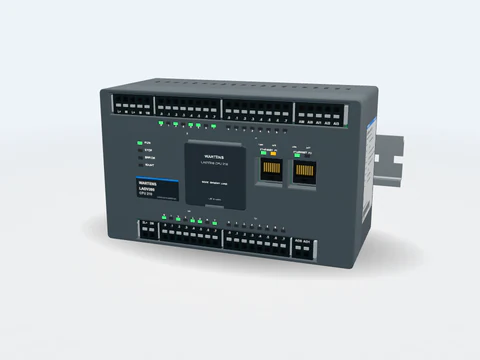
  • PLC (Wartens LADV) in the OT security lab, shown in 3DPLC (Wartens LADV)The controller that runs the machine. It must be reachable by its HMI and nothing else.OpensPulls apart
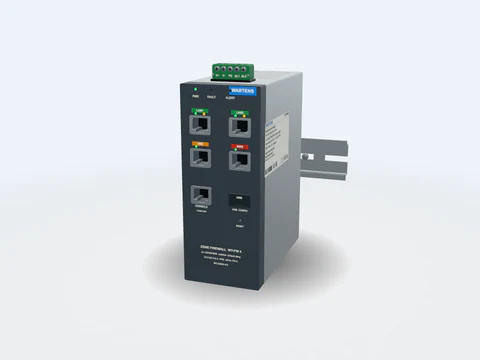
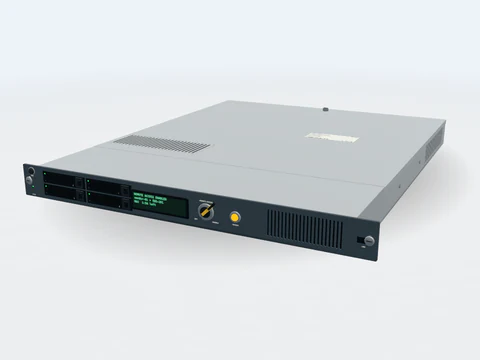
  • Industrial firewall in the OT security lab, shown in 3DIndustrial firewallSits between zones and lets through only the traffic that has a reason.Opens
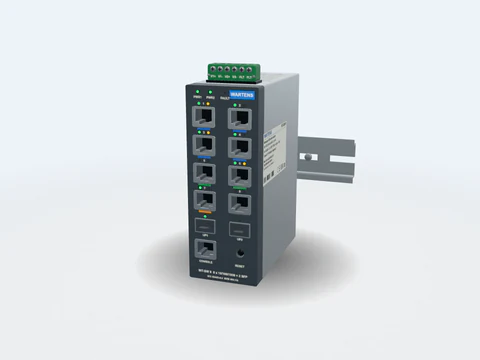
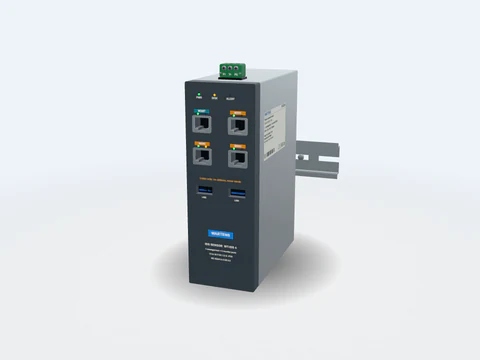
  • Managed switch in the OT security lab, shown in 3DManaged switchJoins the devices of a cell and keeps their traffic apart with VLANs.Opens
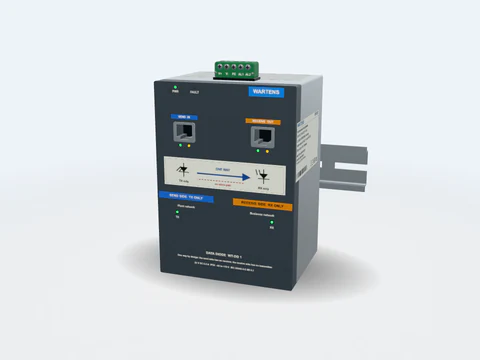
  • Data diode in the OT security lab, shown in 3DData diodeLets data go one way only, by physics.
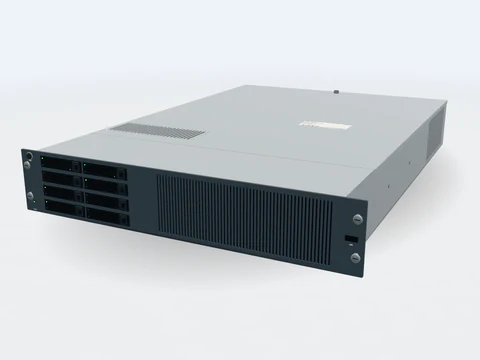
  • Historian server in the OT security lab, shown in 3DHistorian serverStores plant values over time for reports and trends.Opens
  • Remote access gateway in the OT security lab, shown in 3DRemote access gatewayThe one door a vendor uses to reach plant machines.Opens
  • IDS sensor in the OT security lab, shown in 3DIDS sensorA silent box that listens to traffic and raises alerts.
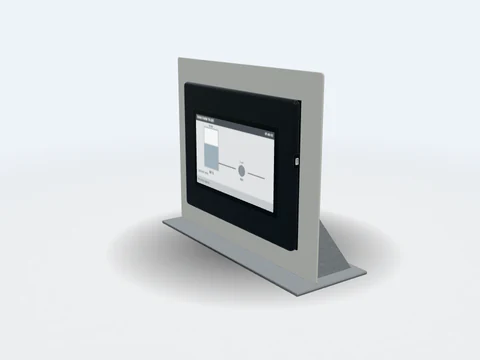
  • HMI operator screen in the OT security lab, shown in 3DHMI operator screenThe touchscreen the operator uses to see and change the process.Opens
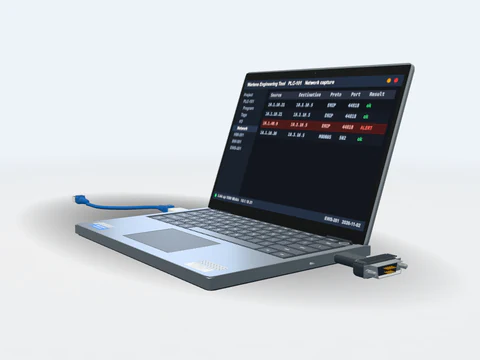
  • Engineering laptop in the OT security lab, shown in 3DEngineering laptopThe laptop that programs PLCs, watches the network and runs the AI screens.OpensPulls apart
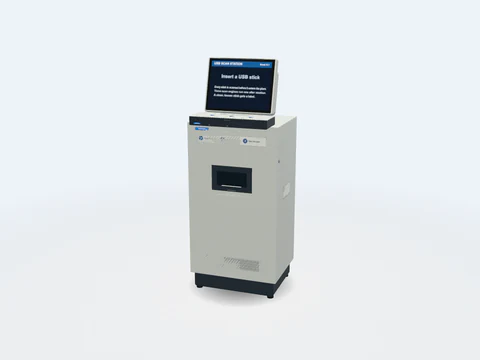
  • USB scanning kiosk in the OT security lab, shown in 3DUSB scanning kioskA station that scans USB sticks for malware before they are used.Opens
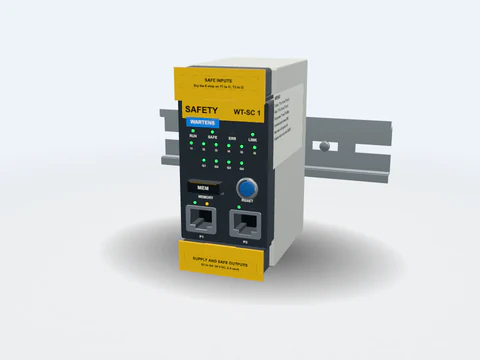
  • Safety controller in the OT security lab, shown in 3DSafety controllerA controller for safety functions that must keep its network undisturbed.Opens
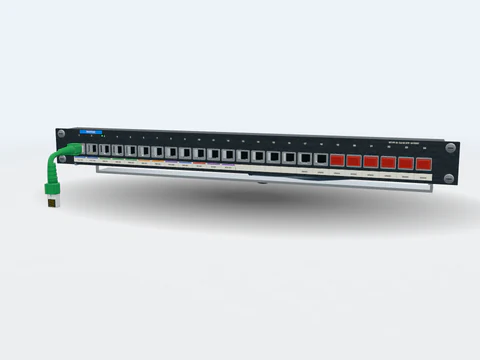
  • Copper patch panel in the OT security lab, shown in 3DCopper patch panelA panel of numbered sockets where cables are joined.Opens

and 14 more in the library.

Open the lab with its equipment library

Ratings and reviews

What learners say

Ratings come from learners who saved work in this lab.

Ratings and reviews

4.3
7 ratings
55
40
31
21
10
  • Sujit Sharma · Passed 1 level · 16 Nov 2026
    EDWartens team

    Thank you, Sujit. Mapping the plant network and putting every device on its level is the base of all OT security work, and you passed it.

  • Domingos A. · Passed 8 levels · 16 Nov 2026
    EDWartens team

    Thank you, Domingos, and congratulations on passing eight levels of the OT security lab. Three stars says it could be better; if a level felt unclear or a check seemed unfair, Report a bug in the lab goes straight to us.

  • basel M. · Worked on 2 levels · 9 Nov 2026
    EDWartens team

    Thanks, Basel. Patch or protect asks the question plant teams really face: what can you safely do inside a short maintenance window? We are glad you enjoyed it.

  • Kane · Passed 5 levels · 29 Oct 2026
    EDWartens team

    Thank you, Kane, and well done on passing five levels. A two tells us something in Backup and recovery did not work for you, and we would rather fix it than guess. Please tell us what through Report a bug in the lab.

  • Faisal S. · Worked on 5 levels · 29 Oct 2026
    EDWartens team

    Thanks, Faisal. The incident drill is meant to feel a little tense, with a strange note on an operator screen and a plant to keep safe, so we are glad it worked for you.

  • BRIJIN C. · Worked on 1 level · 28 Oct 2026
  • EDERSON A. · Passed 4 levels · 28 Oct 2026
    EDWartens team

    Thank you, Ederson. Four levels passed, including bringing a vendor in through the DMZ without opening up the whole network. Nicely done.

Sign in free and save work in a level to add your own rating.

About the OT security lab

Split the network. Read the log.

Plant networks run pumps, drives and safety systems, and keeping them apart from the office network is a defence job. The OT security lab in EDWartens Lab is a free practice room for that job: zones, rules, detection and response, on a fictional plant.

A fictional water works, dairy or bottling plant, drawn as a network of controllers, screens, servers and firewalls. Place every device on its level, draw the zones and conduits, write the smallest set of firewall rules, let a vendor in the safe way, read a day of logs and run a response drill. It is defence training on a simulated plant: no real systems are touched.

  • Place devices on the Purdue levels and find the industrial DMZ
  • Split a flat network into zones and conduits, with a target security level for each zone (IEC 62443 words)
  • Write allow-rules, test a flow against them and deny everything else by default
  • Choose patches or protective controls inside a maintenance window, plan backups and prove a restore
  • Run a simulated incident drill in the right order without stopping the plant unsafely

Tools in this lab

  • Purdue levels, zones and conduits
  • Firewall rules, remote access and logs
  • Patch plans, backups and an incident drill

The guide

What to know before you start

Short answers first. Open a card for the rest.

What the OT security simulator does

You work on a fictional plant and a simulated network. Each job starts with a work order, and an automatic acceptance test marks the result. The lab teaches defence only: zones and conduits, rules, detection and response. It is a training model of defence ideas, not a security assessment and not a certification.

Eight levels, from the map to the drill

The lab has eight levels. You place every device on its Purdue level and find the DMZ, then split a flat network into zones joined by the fewest conduits. You write the fewest firewall allow-rules that keep production running, remove the old open rules and deny everything else, and you route a vendor's remote session through the DMZ with approval, a named account, a time limit and a recording.

Read more

The later levels cover reading a day of plant logs to flag the few events that matter, choosing what to patch and what to protect inside a short maintenance window, planning backups and proving a restore, and running the response to a simulated note on an operator screen without stopping the plant unsafely.

Safety stays first

In a plant, the safety systems protect people. The response level asks you to contain the problem without stopping the plant unsafely, and it marks the order of your steps.

Free, and part of the SCADA internship

Opening the lab, doing the levels and passing the acceptance tests are free, and you can start without an account. A free EDWartens account records your results and keeps your work on every device. The lab is in beta. OT security tasks also count inside the SCADA and HMI Internship, where week 7 on networks and security offers them as optional practice.

How it works

  1. Create a free EDWartens account, or sign in if you already have one.
  2. Open Map the plant network and put each device on its level.
  3. Split the flat network into zones and conduits.
  4. Write the firewall rules and set up remote access through the DMZ.
  5. Read the logs, plan the backups and run the drill.
Where it leads

Where it leads

Job simulations and internships are training, not employment.

Used in these job simulations

Feeds these internships

Trains you for

SCADA engineer, Commissioning engineer.

Questions

Questions people ask.

Is there a free OT security simulator?

Yes. The OT security lab in EDWartens Lab is a free practice room that runs in your browser. You can start without an account; a free EDWartens account records your results. You map a plant network, set zones and firewall rules and pass an automatic acceptance test.

Does it teach hacking?

No. The lab teaches defence only: zones and conduits, firewall rules, remote access control, detection from logs, patching choices, backups and response.

What is the Purdue model?

It is a way to lay out a plant network in levels, from the field devices at level 0 up to the business systems. The first level of the lab has you place each device on its level.

Is it a certification?

No. It is practice on a fictional plant. It is not a security assessment and not a certification.

Keep exploring

Other labs and guides

Updated 24 Nov 2026.

Other labs

  • PLC labProgram a working machine in ladder, Structured Text or SFC and watch it run.
  • Electrical labLock out, wire, test and fault-find a control panel, then prove it with a factory acceptance test.
  • Robotics labTeach a robot arm a pick and place job and prove its handshake with the PLC.
  • Process labRead the P&ID, check and calibrate instruments, tune loops and run a plant from a control room.
  • Maintenance labKeep a small plant running: find faults with real instruments, fix them safely and record the work in a CMMS.
  • Substation and MCC labWalk a small substation, isolate a motor bucket safely, grade a relay and fault-find a motor control centre.
  • Solar and EV labSize a solar array, set a battery and fault-find an EV charger on a commercial site.
  • AI Basics labLearn what AI is by playing with it: teach a camera, watch a model learn, test it and check it is fair.
  • AI WorkbenchPrepare data, train a model and check the AI's work against a brief.
  • AI Data Centre labWalk an AI data hall, rack and cable a GPU server, and size its power and cooling.

Start the OT security lab now.

Free, in your browser, with nothing to install.