AI Workbench · Level 11 of 15
Check the AI's work: finance
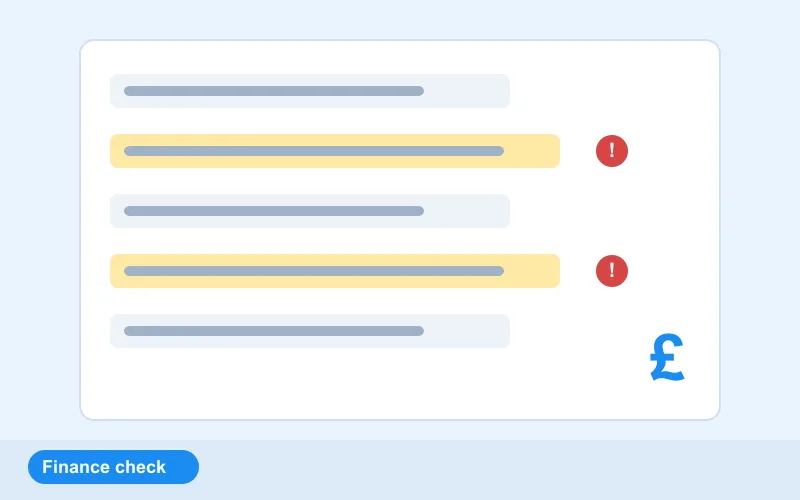
Level 11 of 15 in the AI Workbench: a free AI exercise at Intermediate level, which takes about 20 minutes. An AI wrote a spend summary. Check it against the invoice table and find the wrong ratio and the adding-up mistake.
Free · no download · about 20 minutes. Your work is saved on this device. Updated 18 Oct 2026.
The brief
- Client
- Oakfield Group (fictional, hosted by OFORO)
- Site
- OFORO finance desk
- Work order
- OFR-WO-111
- Data set
- Supplier invoices
- Task code
- AIW-11
- Difficulty
- Intermediate
- Type of work
- Review
An AI wrote a spend summary. Check it against the invoice table and find the wrong ratio and the adding-up mistake.
Skills you practise
- Reviewing AI output
- Ratios
- Reconciliation
- Spotting arithmetic slips
What the test checks
The acceptance test marks the skills this level practises.
- Reviewing AI output
- Ratios
- Reconciliation
- Spotting arithmetic slips
In this lab
- Train models in your browser
- Vision inspection, prompts, RAG and safe agents
- Check the AI's work before you trust it
Levels in the AI Workbench
Previous: Privacy firstNext: Check the AI's work: HR
- Data health check
- Train and evaluate without leakage
- Choose the metric and the threshold
- Overfitting: tune the tree
- Vision inspection on the conveyor
- Prompt to spec
- Answers with sources
- A safe agent
- Fairness check
- Privacy first
- Check the AI's work: finance
- Check the AI's work: HR
- Check the AI's work: marketing
- Check the AI's work: healthcare
- Check the AI's work: project management
Part of the AI Workbench
Prepare data, train a model and check the AI's work against a brief.
Feeds these internships: AI and Machine Learning, Data Science and Analytics, Generative AI and Prompt Engineering, AI Agents and Automation, Computer Vision, AI for Finance and Accounting, AI for HR and Recruitment, AI for Digital Marketing and Content, AI in Healthcare and Pharma, AI for Project Management.