Skip to content

EDWartens Lab is in beta, so you may meet errors. Tell us at info@wartens.com.

EDWartens Lab

Six free engineering and AI labs. In your browser.

PLC, Panel wiring, Robotics, Process and instrumentation, the AI Workbench and the AI Data Centre. Real jobs in 3D, marked by an automatic acceptance test. Lab work counts inside our internships.

New here? Create a free account. Already on edwartens.com? You arrive signed in.

  • Free to startWith a free EDWartens account
  • In your browserNothing to install
  • 3D halls and cellsWalk round the machine
  • Marked by a testA factory acceptance test on our server
  • Works on phonesBest on a laptop for some labs
The labs

Choose your lab

Pick the one that matches the work you want to do. Each has its own jobs, tools and 3D scene, and each feeds the internships on edwartens.com.

Coming next

    Lab 1 of 9 · PLC lab · 8 levels

    Program the machine. Watch it run.

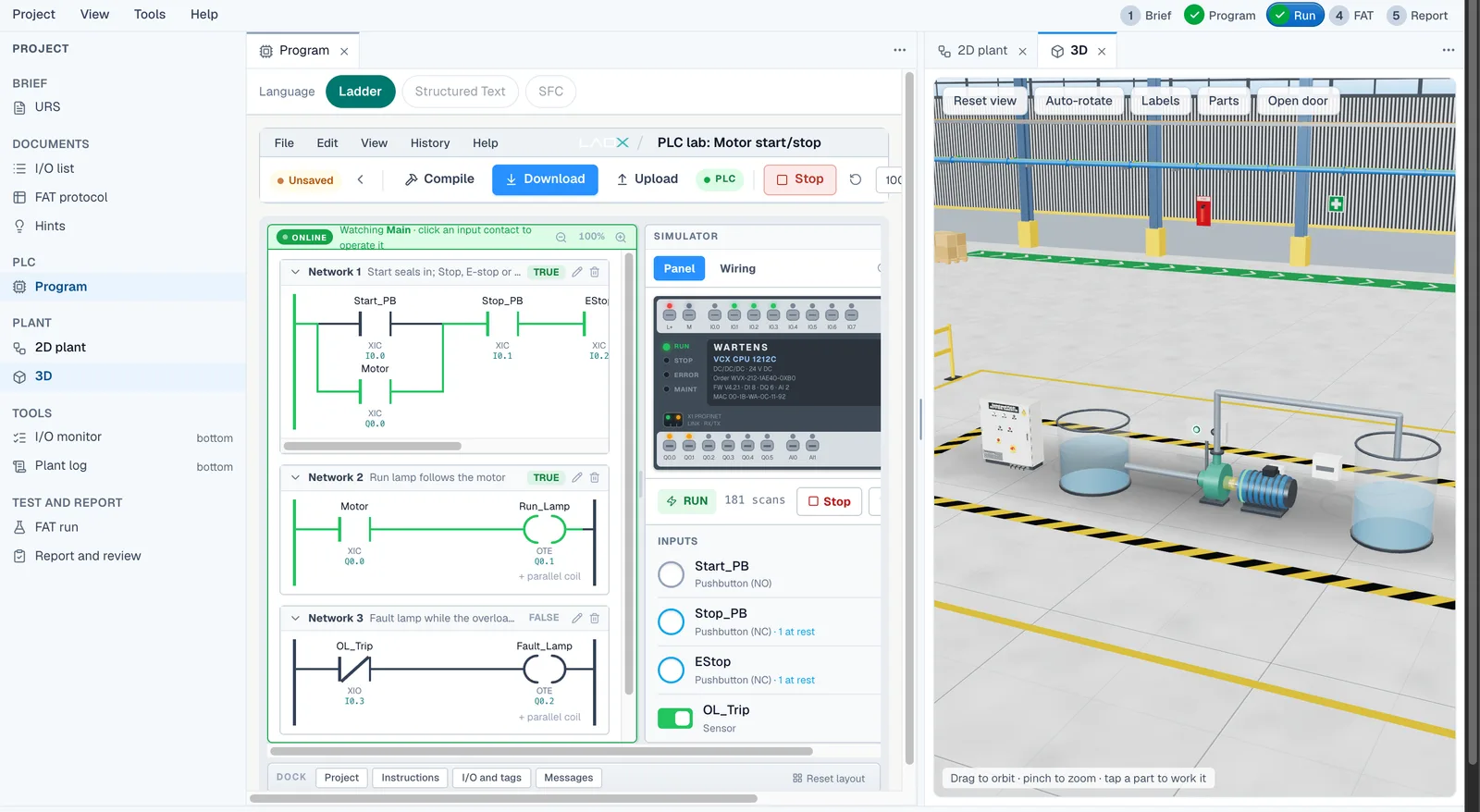
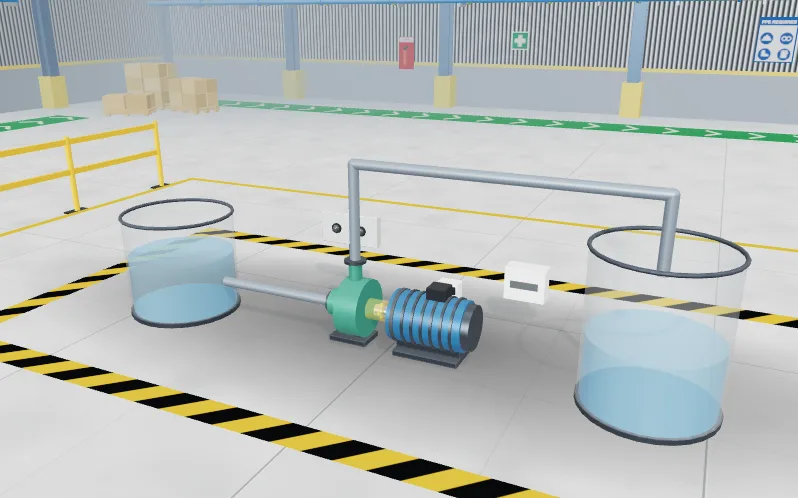
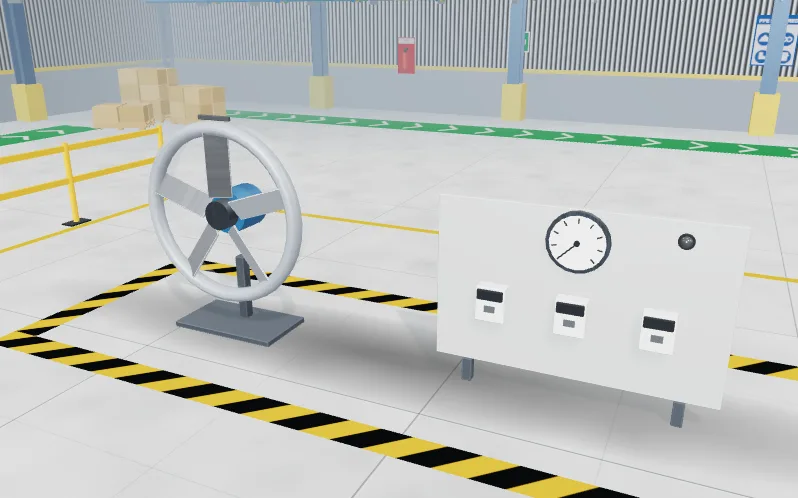
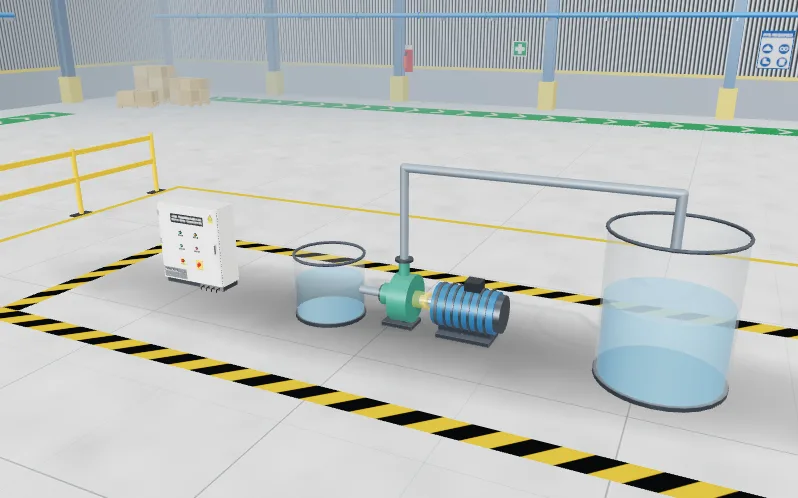
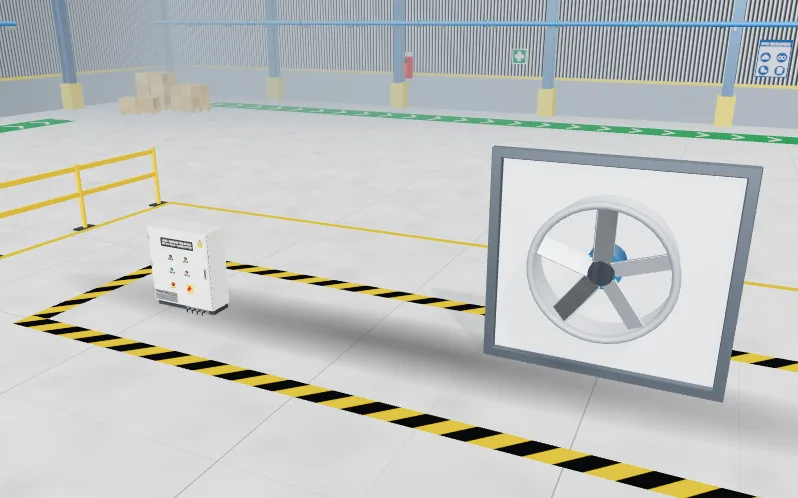
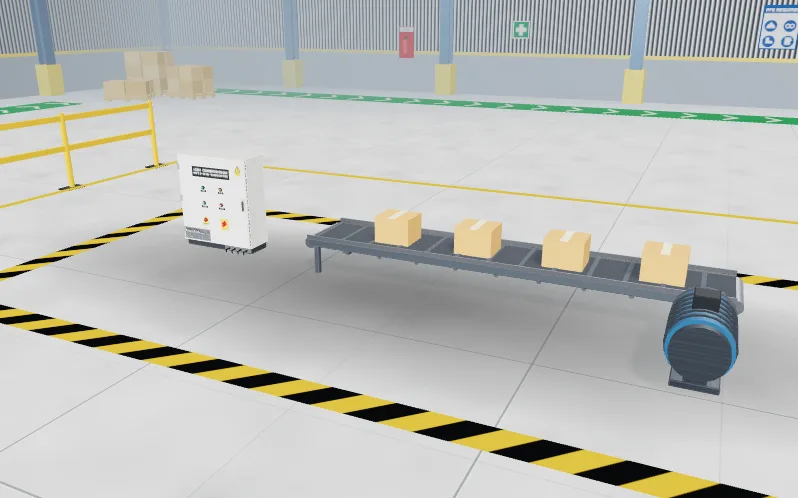
    Every PLC job starts with a client brief and an I/O list. Write the logic, press Simulate and a plant answers: a pump fills a tank, a conveyor carries parcels, a fan starts in star and changes to delta.

    • Ladder, Structured Text and Sequential Function Chart, the IEC 61131-3 languages, in one studio
    • Energised rungs turn green as the program scans, so you see why a rung is true or false
    • An I/O list and tag table with Siemens-style addresses, so the skills carry over
    • Numbered tests run against your program, with numbers drawn per learner
    Feeds these internships
    PLC Programming
    Trains you for
    PLC programmerControls engineer
    Lab 2 of 9 · Panel Lab · 10 levels

    Lock it out. Wire it. Test it.

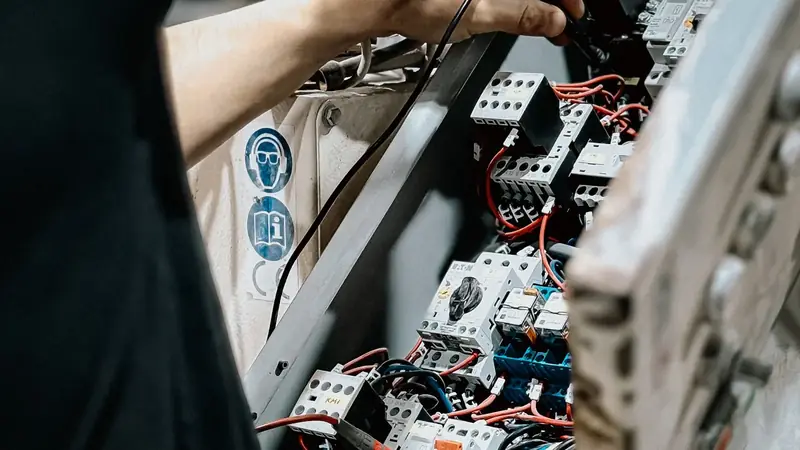
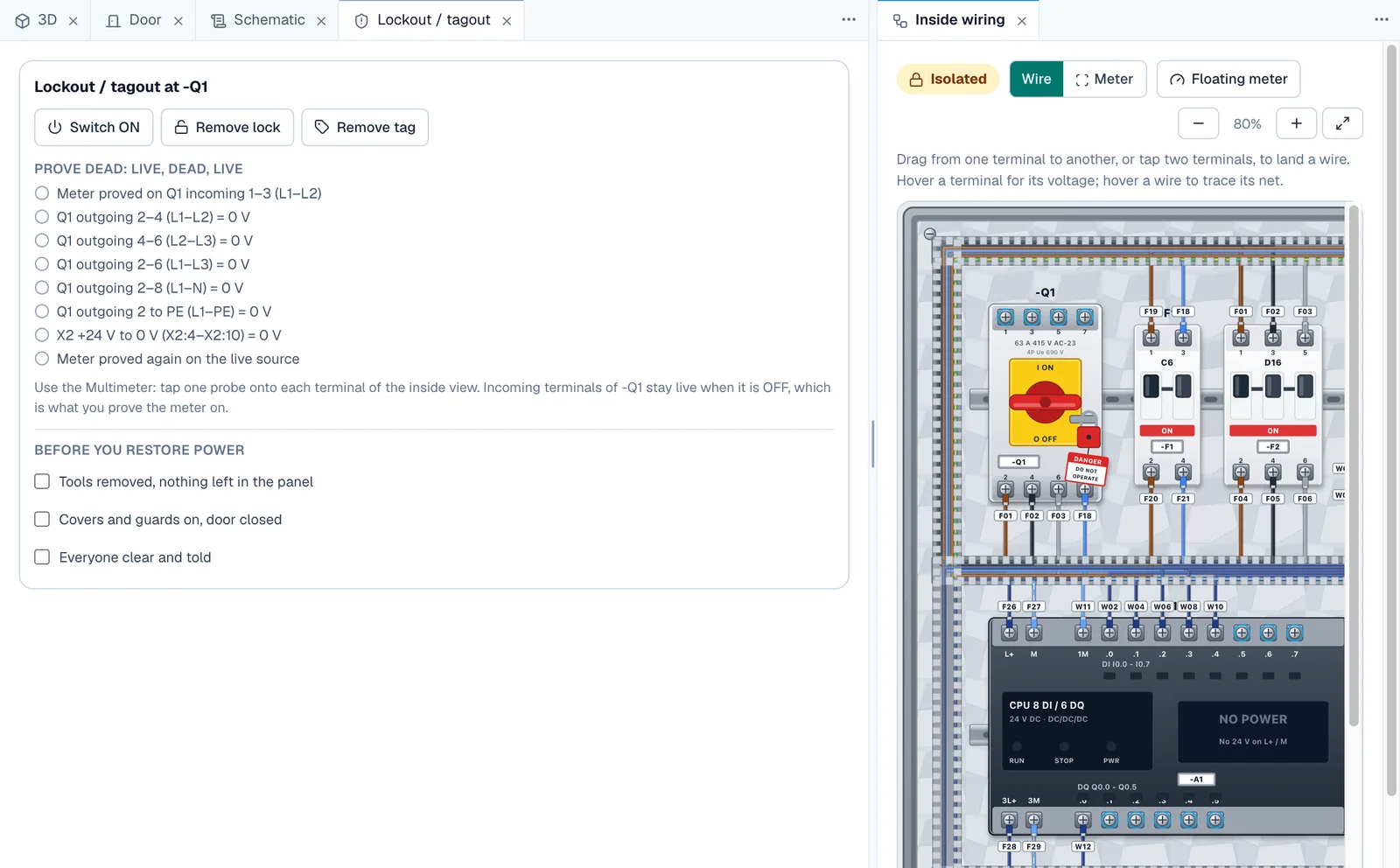
    Open the door of a 415 V control panel and work the way a site engineer does: isolate first, prove dead, wire terminal to terminal, restore power and read the meters. A wrong wire behaves wrongly.

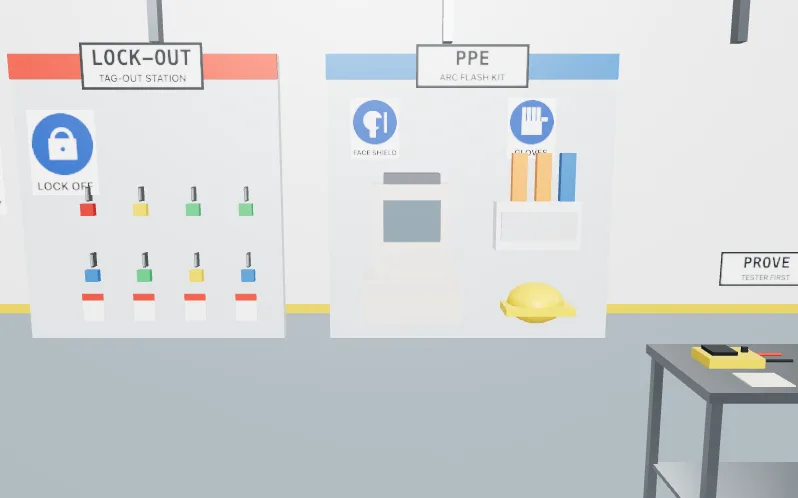
    • Lock out with your own padlock and tag, then prove dead with a two-pole tester and a proving unit
    • Wire the backplate from the schematic, terminal to terminal
    • Every reading comes from the circuit you wired: multimeter, clamp meter, insulation tester, phase rotation indicator
    • Fault-finding levels hide a fault for you to find and repair under lockout
    Trains you for
    Commissioning engineerControls engineer
    Lab 3 of 9 · Robotics lab · 8 levels

    Teach the arm. Prove the handshake.

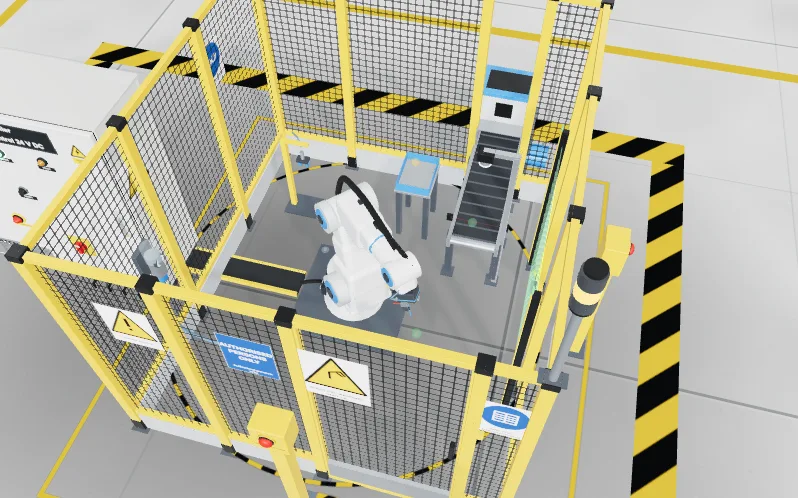
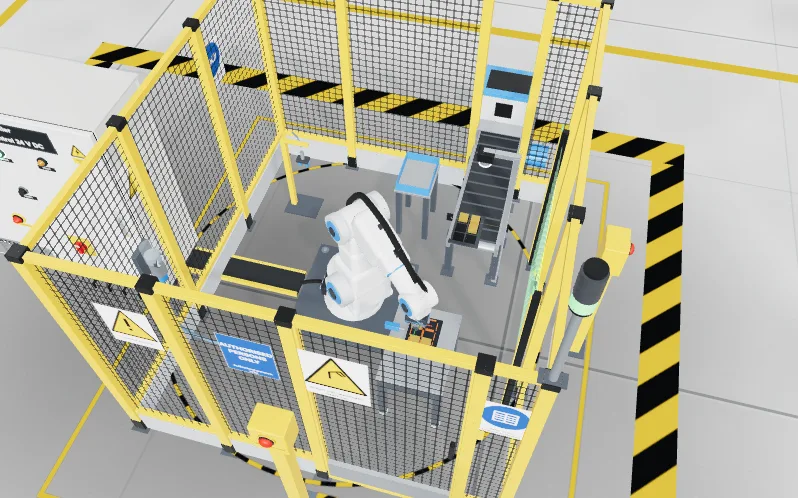
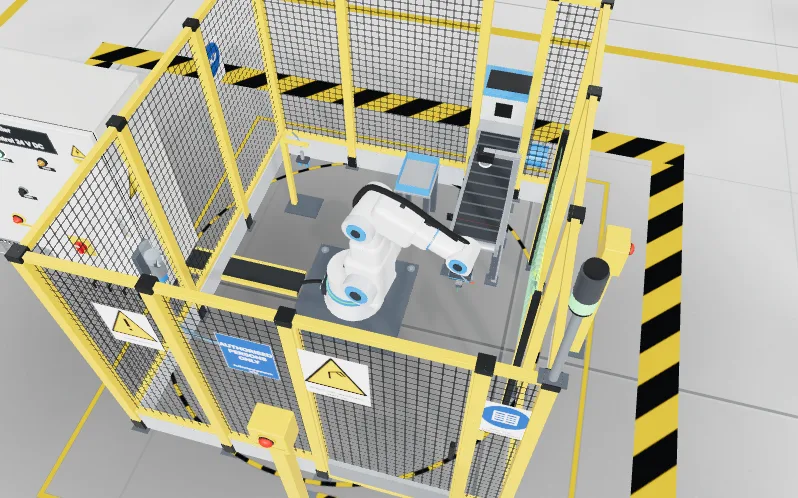
    Work in a full robot cell. Jog the arm with a teach pendant, teach the points, run the program step by step, then prove the guards and the handshake with the PLC before anything runs on its own.

    • A teach pendant with joint and linear jogging, reduced speed and an enabling device
    • Teach points, build a waypoint table and run it in T1 before AUTO
    • Palletising and machine tending cells with a gripper handshake
    • Safety validation and a fault-finding job on the cell
    Trains you for
    Robot technicianControls engineer
    Lab 4 of 9 · Process lab · 8 levels

    Run the plant from the control room.

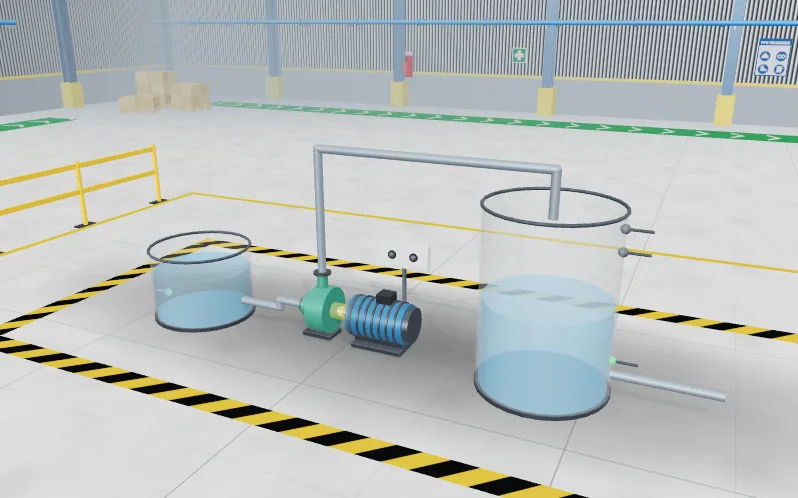
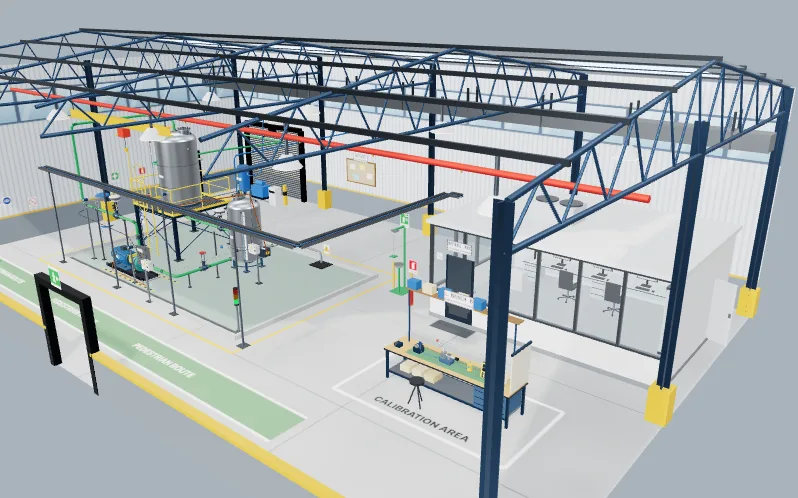
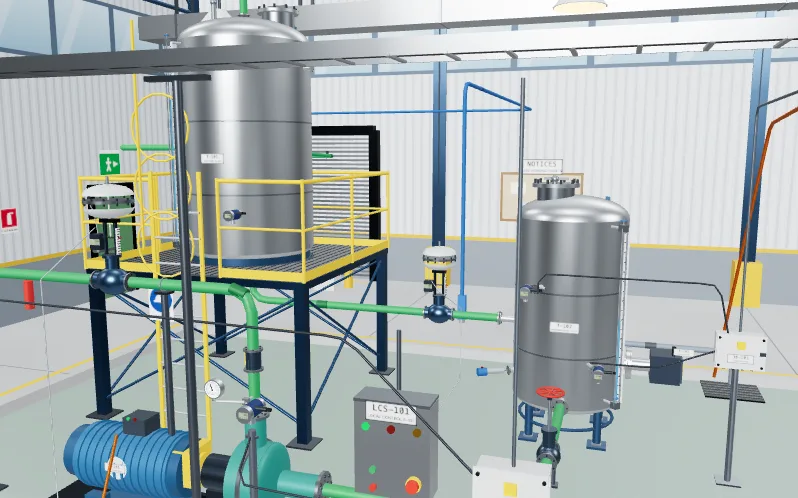
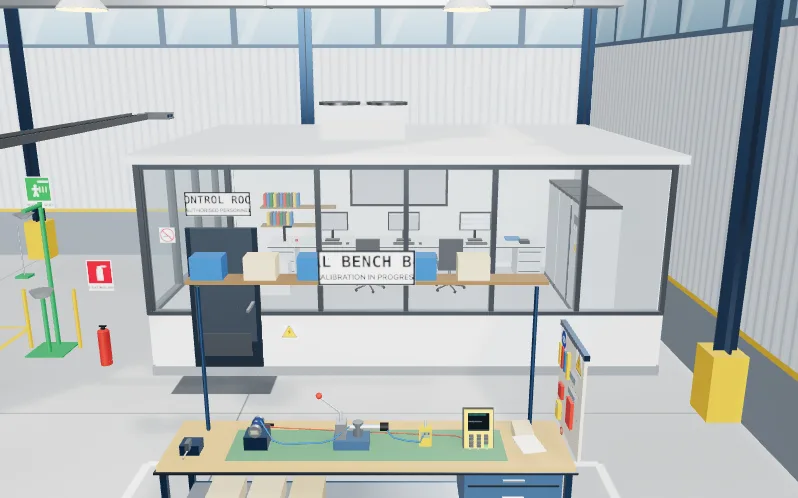
    A water skid with a control room behind it. Read the drawing, check a 4 to 20 mA loop, calibrate a transmitter, tune a level loop, set the alarms and build the operator screen, then run the site acceptance test.

    • Read ISA-5.1 tags on a P&ID and click the right instrument
    • Loop check a 4 to 20 mA signal with a meter and fill in the loop sheet
    • A calibration bench with as-found and as-left readings, and a certificate
    • PID tuning, control valve fail positions, alarm rationalisation and an operator overview
    Trains you for
    Instrumentation technicianCommissioning engineer
    Lab 5 of 9 · AI Workbench · 15 levels

    Train it. Test it. Check it.

    Work on real-looking tables, images and prompts. Clean the data, train a model without leaking the answer, then check what an AI produced against the brief. Everything runs in your browser and nothing is a paid AI call.

    • Train and evaluate a model in the browser, with a split that does not leak
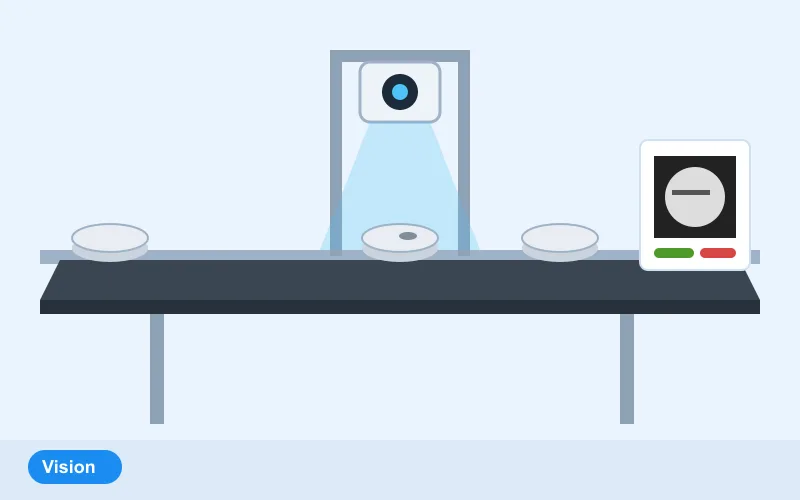
    • A vision inspection job, with images to sort and a threshold to choose
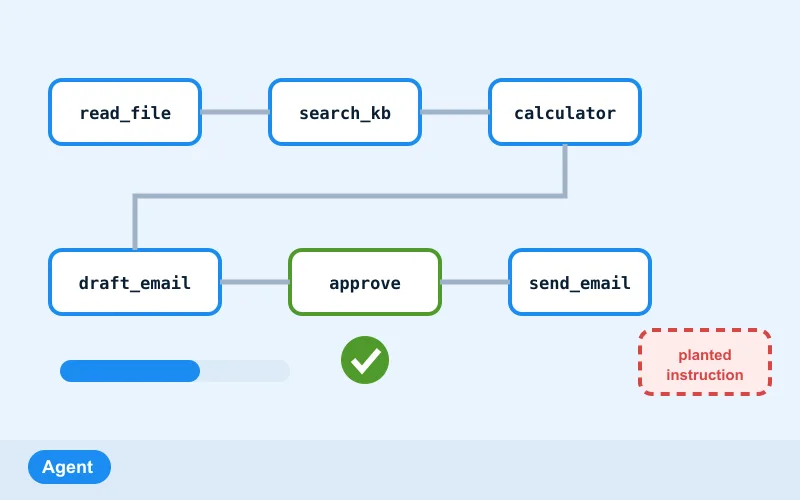
    • Prompts, retrieval with sources, and agents that stay inside their limits
    • Review jobs: find what the AI got wrong, then fix it
    Trains you for
    ML engineerData analyst
    Lab 6 of 9 · AI Data Centre · 8 levels

    Walk the data hall. Keep it cool.

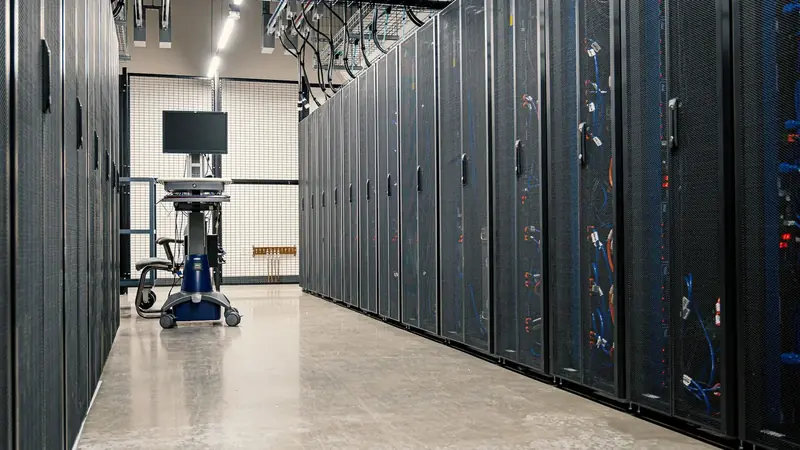
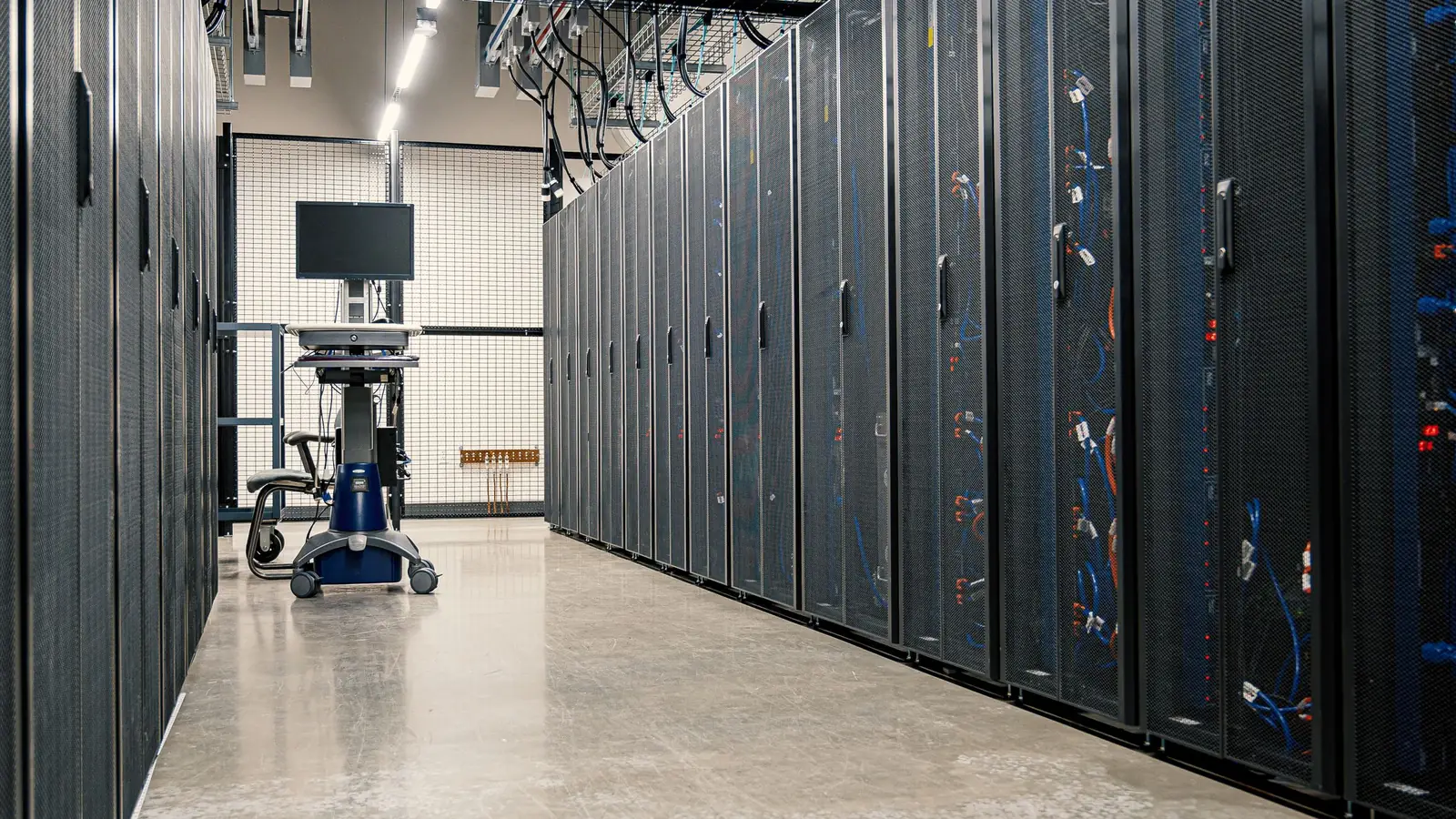
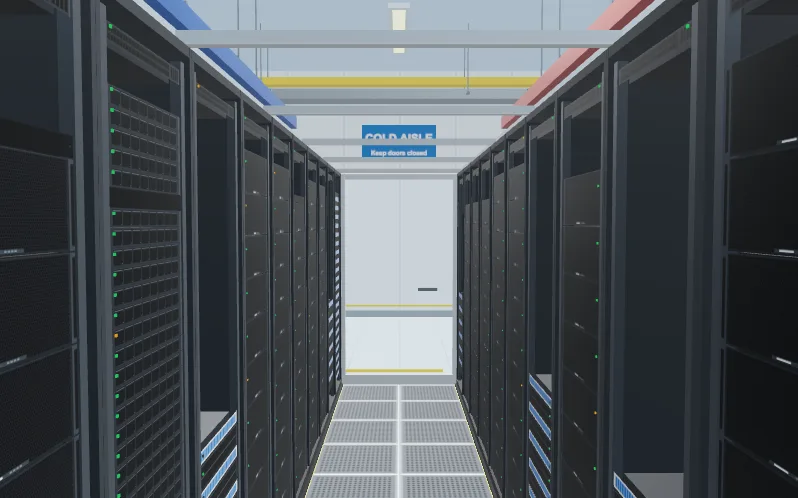
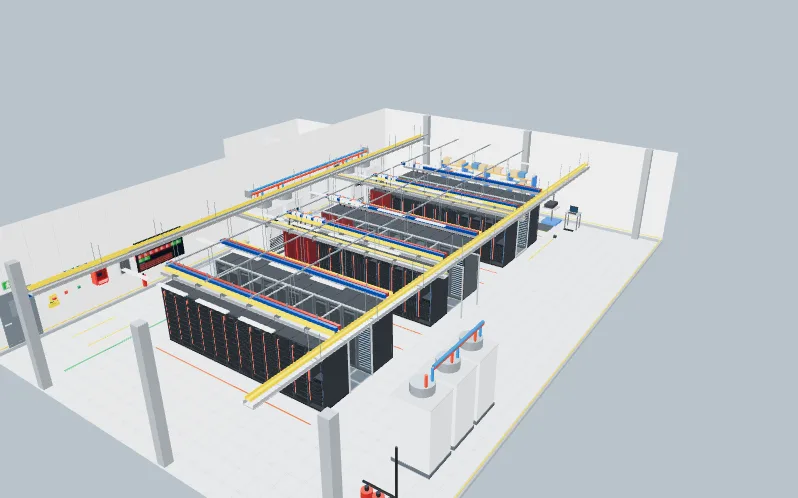
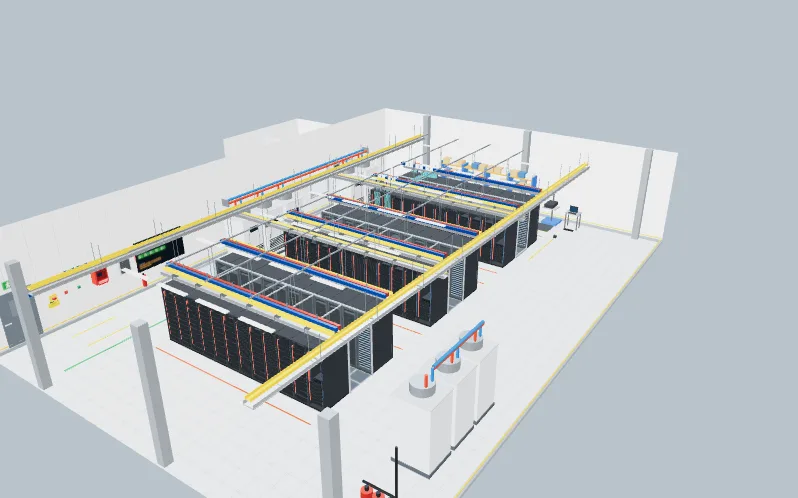
    A 3D AI data hall with racks, power, cooling and a training cluster. Do the work a data centre technician does: rack and cable a server, balance a power budget, chase a hot spot and answer a power event.

    • Rack and cable an 8-GPU server with A and B power, fabric and management cables
    • Fill a rack to the PDU limit and balance the phases
    • Cooling: hot and cold aisles, and a hot spot to find
    • A slow training job to diagnose, a PUE month to read and a failed part to replace
    Trains you for
    Data centre technicianML engineer
    Lab 7 of 9 · Substation and MCC lab · 8 levels

    Isolate the bucket. Grade the relay.

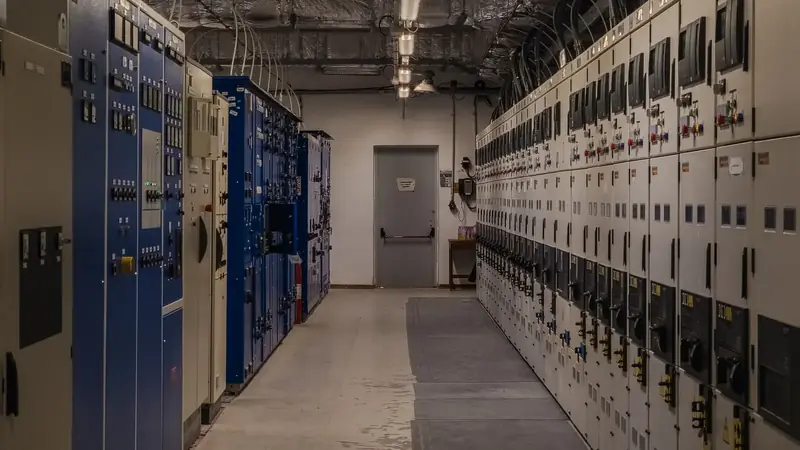
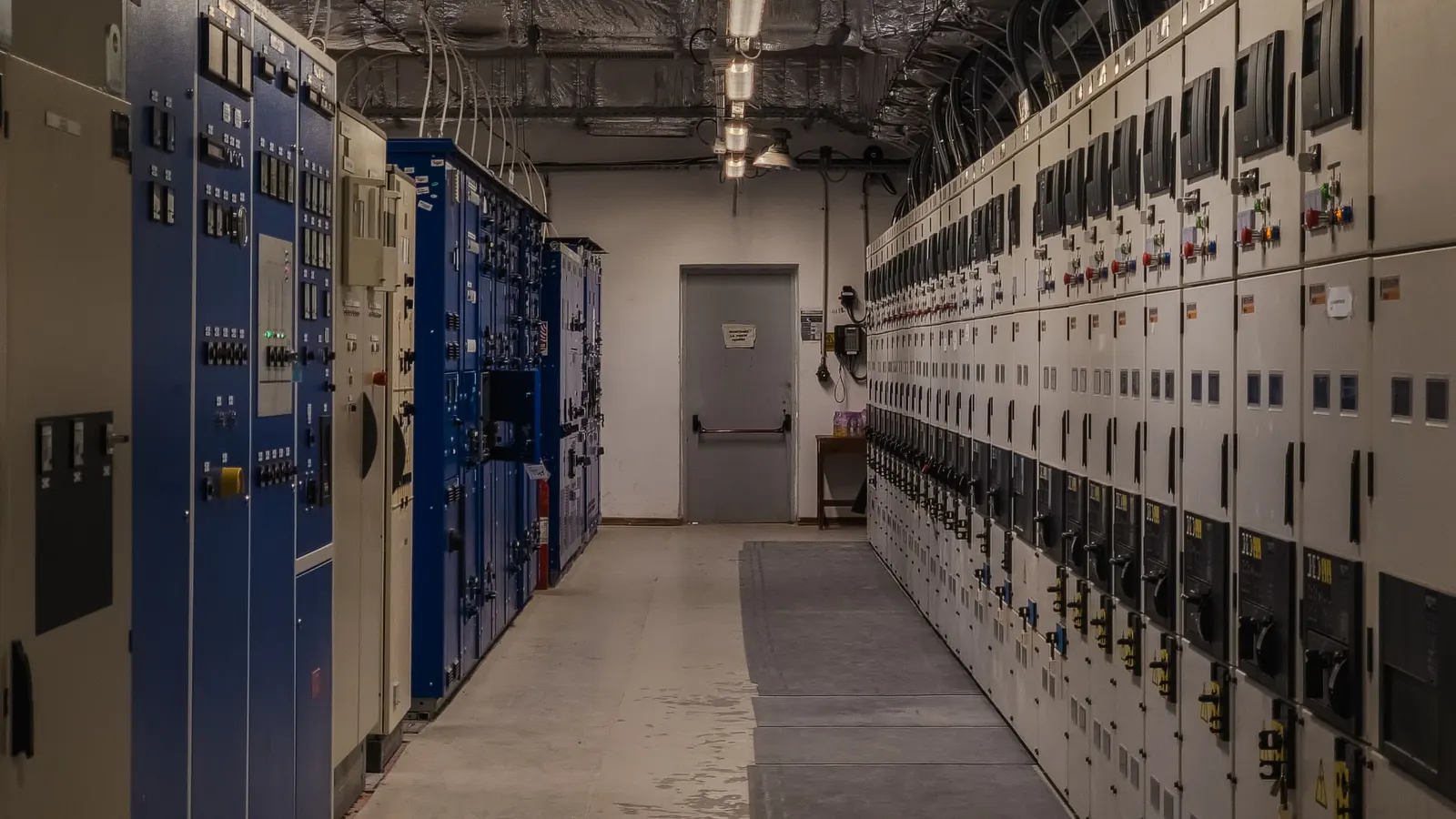
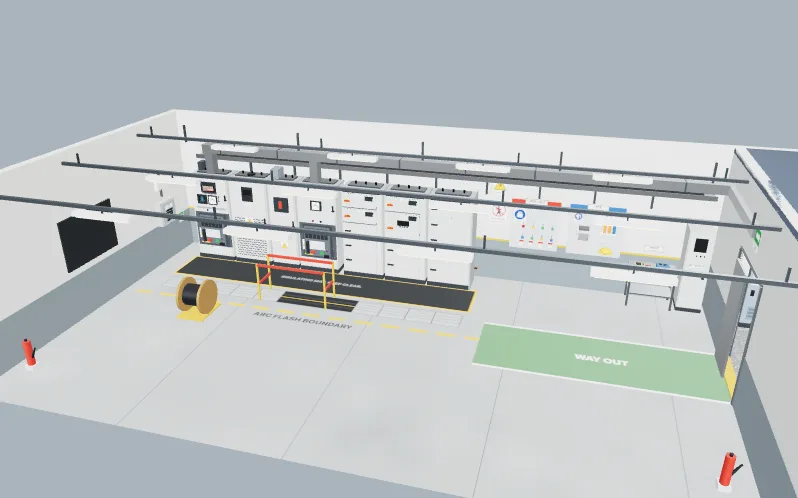
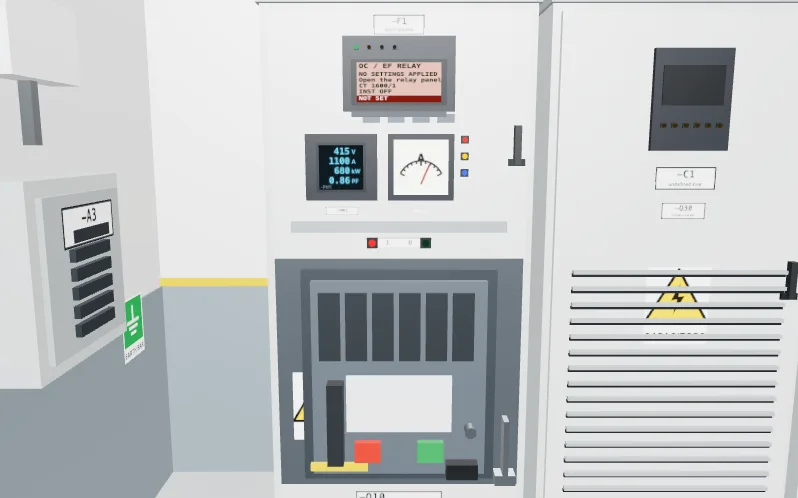
    A 415 V switchroom with a line-up of boards and a motor control centre, and an 11/0.415 kV transformer bay through the doorway. Read the single-line diagram, isolate a bucket the safe way, size a motor circuit, commission a star-delta starter, set a protection relay, check the fault level and correct the power factor. Every calculation is a simplified model, not a design tool.

    • Read the single-line diagram with IEC 60617 symbols and IEC 81346 reference designations
    • Lock out, tag out, prove the tester, test dead and earth a motor bucket, in the right order
    • Size a cable and an MCCB, set an overload, grade an IDMT relay against the breaker below it
    • Check a breaker against the fault level, correct the power factor and find a fault in the MCC
    Trains you for
    Commissioning engineerElectrical design engineer
    Lab 8 of 9 · Solar and EV lab · 8 levels

    Size the array. Fix the charger.

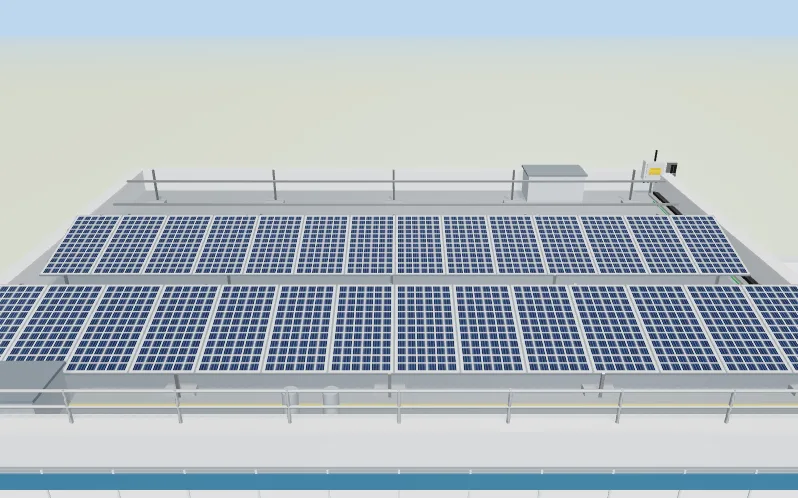
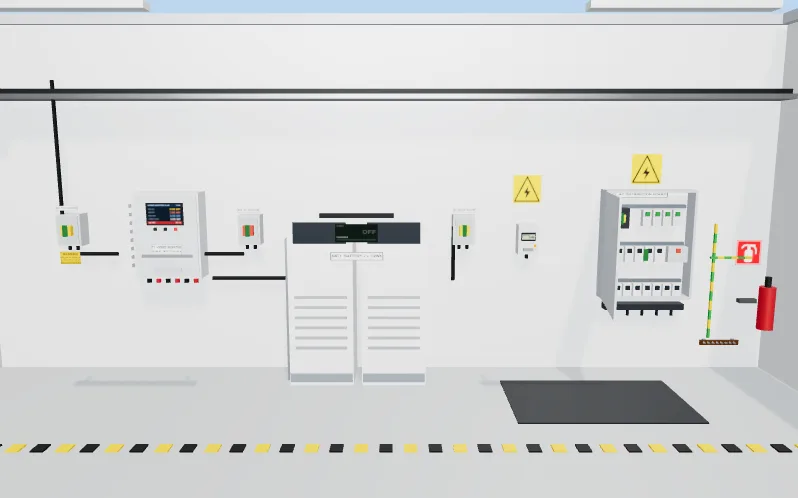
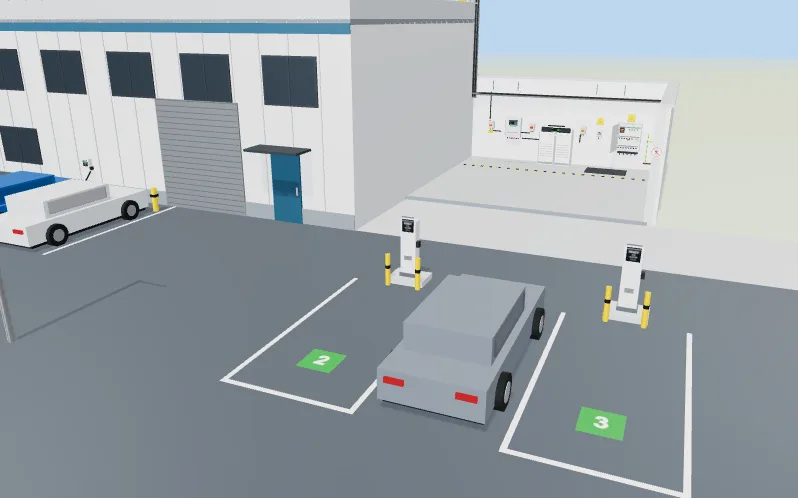
    A commercial roof with rows of solar modules, a plant room with an inverter and a battery, and a car park with three chargers. Work out the strings, choose the protection, set the battery, commission the system in a safe order and find why a car will not charge.

    • String sizing against the coldest and hottest day, with a pass or fail on the inverter window
    • Cables, fuses, isolators and surge protectors chosen from the currents and the cable runs
    • A day of solar and load, a battery under a time-of-use tariff and load management on a limited supply
    • Commission in a safe energising order, and read the control pilot to find an EV charger fault
    Trains you for
    Solar and EV charging engineer
    Lab 9 of 9 · OT security lab · 8 levels

    Split the network. Read the log.

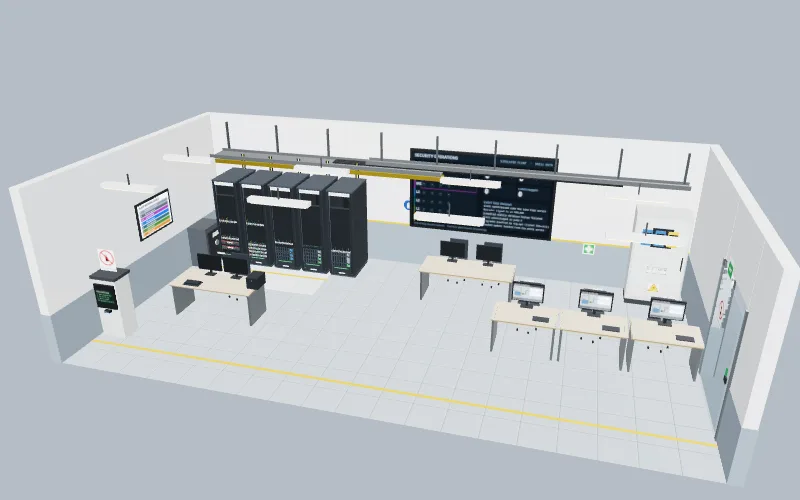
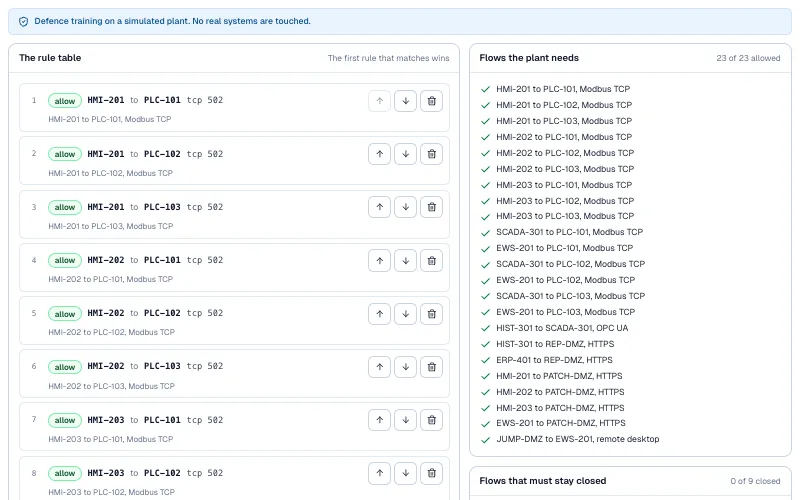
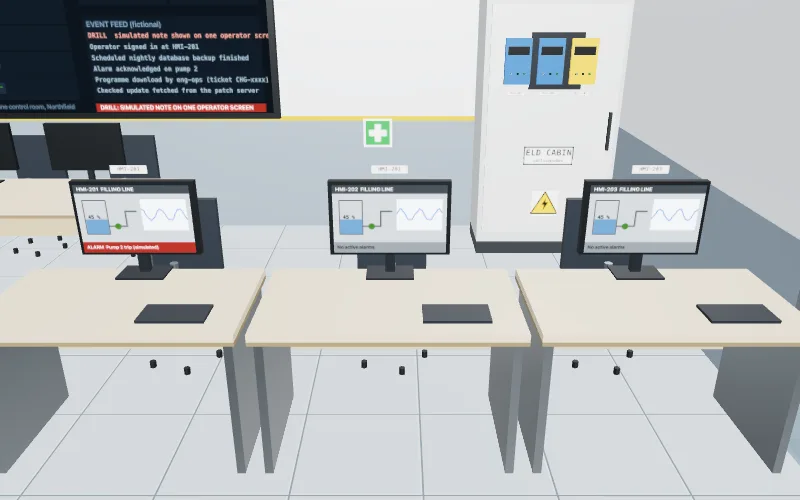
    A fictional water works, dairy or bottling plant, drawn as a network of controllers, screens, servers and firewalls. Place every device on its level, draw the zones and conduits, write the smallest set of firewall rules, let a vendor in the safe way, read a day of logs and run a response drill. It is defence training on a simulated plant: no real systems are touched.

    Defence training on a simulated plant. No real systems are touched.

    • Place devices on the Purdue levels and find the industrial DMZ
    • Split a flat network into zones and conduits, with a target security level for each zone (IEC 62443 words)
    • Write allow-rules, test a flow against them and deny everything else by default
    • Choose patches or protective controls inside a maintenance window, plan backups and prove a restore
    • Run a simulated incident drill in the right order without stopping the plant unsafely
    Feeds these internships
    SCADA and HMI
    Trains you for
    SCADA engineerCommissioning engineer
    How the labs work

    From brief to proof

    The same four steps in every lab, so what you learn in one carries to the next.

    1. 01

      Read the brief

      A client work order says what the job must do, with the I/O list, the schematic or the data to work from. The clients are fictional.

    2. 02

      Build it

      Write the program, wire the panel, teach the arm, tune the loop or train the model, in a 3D scene or a workspace.

    3. 03

      Test with real tools

      Meters, testers, trends and charts read from what you built, so a wrong connection or a wrong setting shows up as a wrong number.

    4. 04

      Pass the FAT

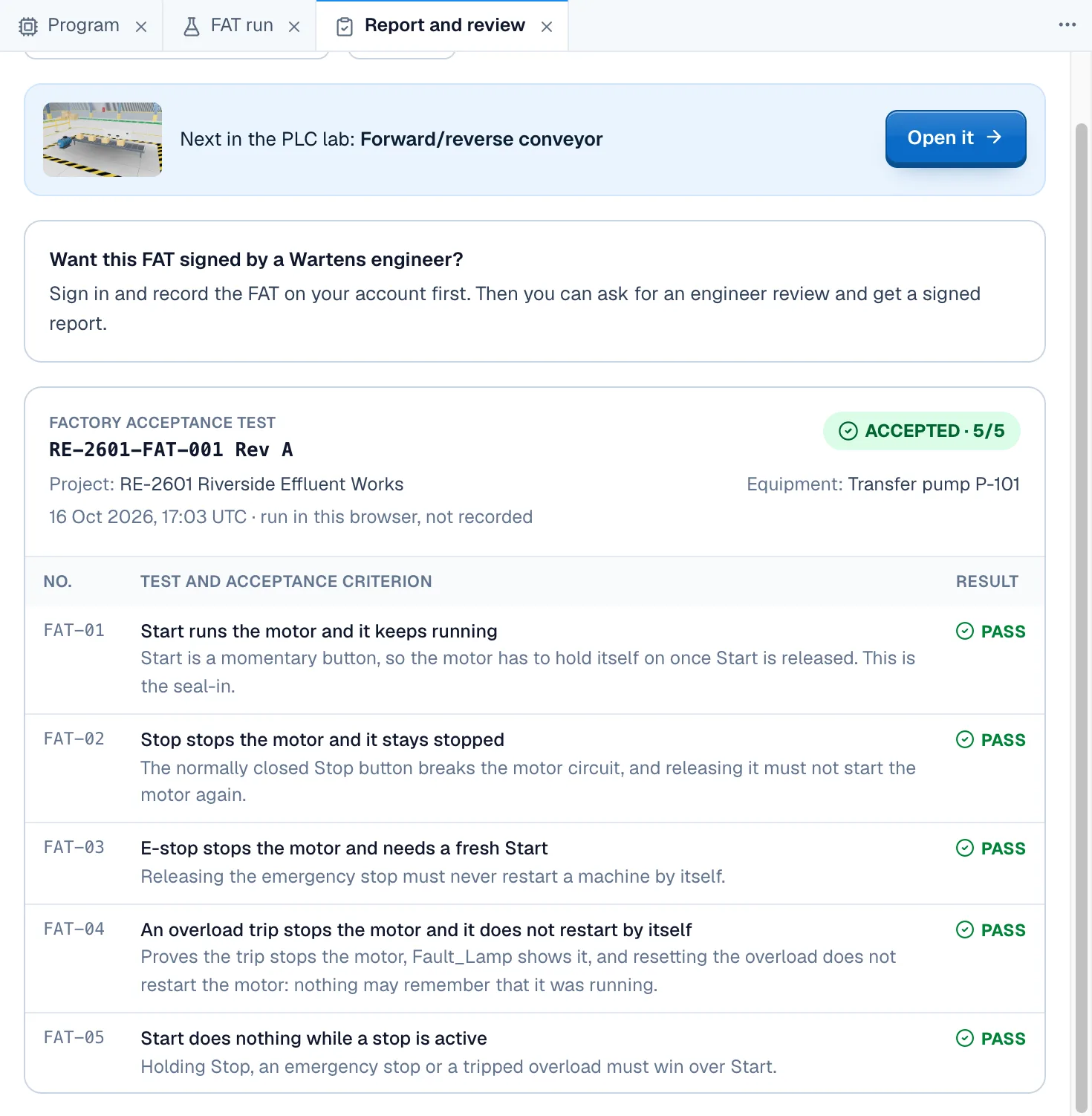
      A numbered factory acceptance test runs automatically on our server. Pass it and download your report. An engineer review is optional and paid.

    Factory acceptance test sheet marked accepted 5 of 5, listing each test with its criterion and a green PASS

    A passed FAT sheet. Every test has a criterion and a result.

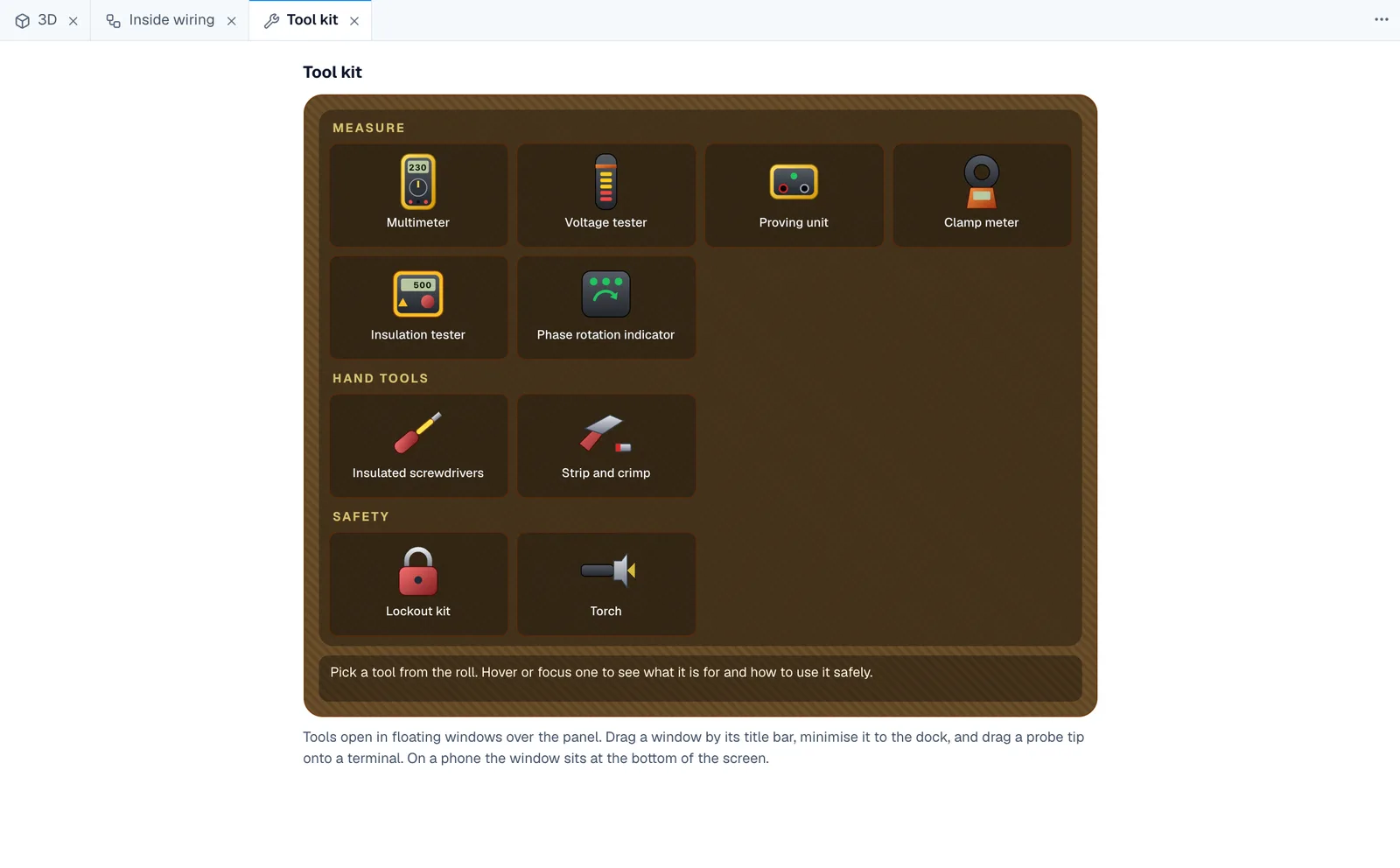
    The tool kit roll: multimeter, voltage tester, proving unit, clamp meter, insulation tester, phase indicator, drivers and lockout kit

    The test kit. Multimeter, Two-pole tester, Proving unit, Clamp meter, Insulation tester, Phase rotation indicator, VDE screwdrivers, Lockout kit. Every reading comes from the circuit you wired. Isolation is taught the real way: lock out, prove dead, then work.

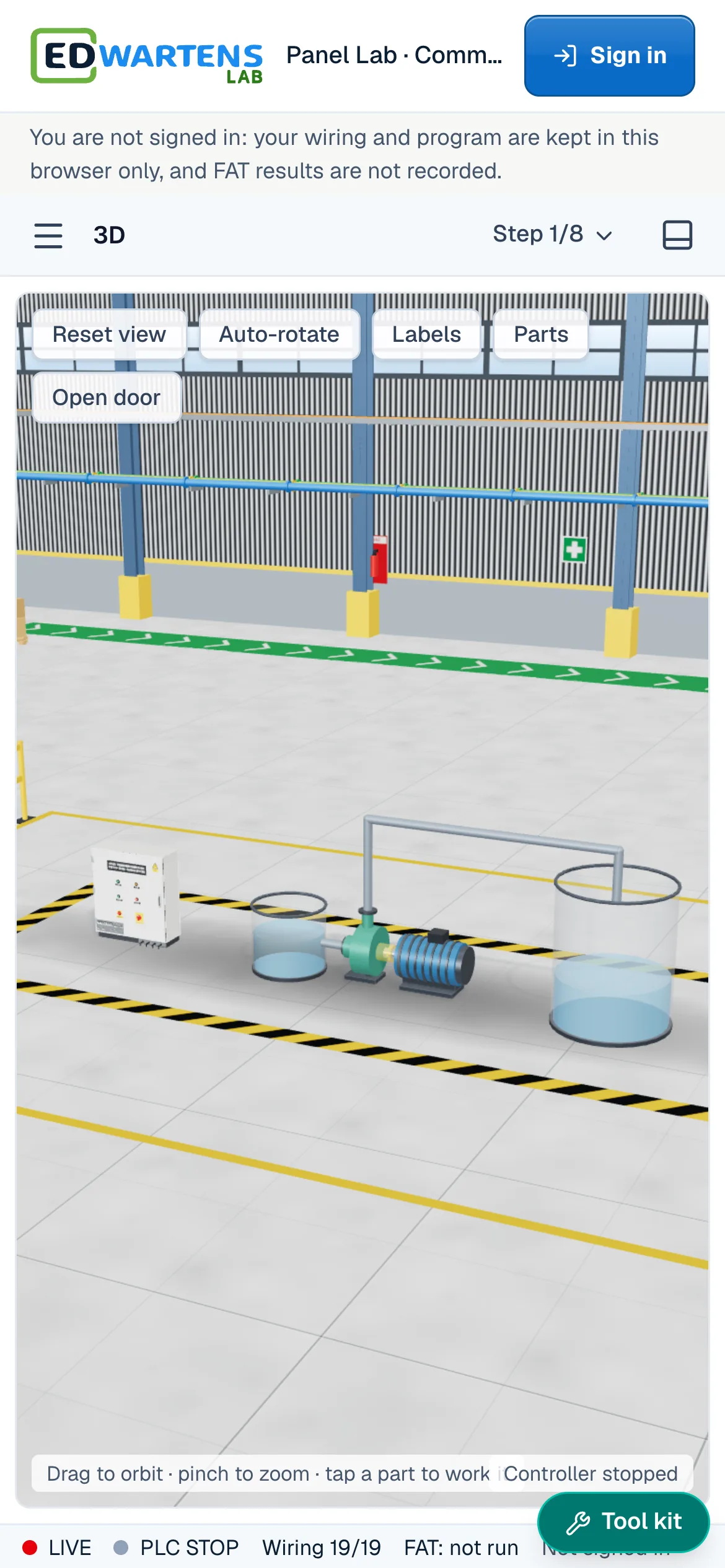
    The Panel Lab on a phone: the 3D factory hall view with the pump station and a menu, step picker and tool kit button

    On a phone. Nothing to install, and it keeps working offline once loaded. A laptop gives the best view of the 3D halls.

    Internships

    Turn lab work into an internship

    Lab tasks sit inside the weeks of our virtual internships. Do the task in the lab, pass its factory acceptance test, and the task closes in your internship. First 4 weeks free.

    • First 4 weeks free

      PLC Programming

      Ladder logic on working machines, with a tested task each week from week 2.

      UsesPLCRoboticsProcess

      See this internship
    • First 4 weeks free

      Control Panel Design and Wiring

      Lock out, wire and test a panel, with the Panel Lab tasks checked by a factory acceptance test.

      UsesPanel wiringSubstation and MCC

      See this internship
    • First 4 weeks free

      Instrumentation and Process Control

      Loops, calibration and alarms in the Process Lab, with the panel work around them.

      UsesPanel wiringProcess

      See this internship
    • First 4 weeks free

      AI and Machine Learning

      From a table to a tested model in the AI Workbench, then the AI data hall.

      UsesAI WorkbenchAI Data Centre

      See this internship

    Each lab task has a work order number. A task closes when its acceptance test passes. Internships are training, not employment, and there is no stipend. Continuing past 4 weeks is paid.

    Browse all internships
    Roles

    Skills employers hire for

    Each lab trains for work that employers advertise. Pick a role to see current openings on edwartens.com.

    We are not a recruitment agency. Seeing openings and applying is free, and never depends on buying anything.

    Browse all openings
    For teams

    Set the work. See the result.

    Universities and trainers

    Assign lab work to a class

    Assign levels in any of the labs with due dates and see who has passed the acceptance test, without buying a single trainer kit.

    For universities
    Employers

    Assess candidates with a code

    Set an assessment candidates open with a code, with a time limit and an attempt limit. You see their result, the time taken and their work.

    For employers
    Questions

    Good to know

    What is EDWartens Lab?

    EDWartens Lab is a set of free engineering and AI labs that run in your browser: a PLC lab, a Panel Lab, a Robotics lab, a Process lab, an AI Workbench, an AI Data Centre, a Substation and MCC lab, a Solar and EV lab and an OT security lab. Each gives you jobs that start with a client brief, a 3D scene or workspace to work in and an automatic acceptance test. You need a free EDWartens account. The lab is in beta.

    Is there a free PLC simulator online?

    Yes. The PLC lab is a free online PLC simulator that runs in your browser. Write ladder, Structured Text or SFC, run it against a simulated machine, and pass an automatic acceptance test. You need a free EDWartens account. Nothing is installed.

    Can I practise ladder logic online?

    Yes. The ladder editor runs live beside a simulated plant. Energised rungs turn green as the program scans, so you see why a rung is true or false. The same jobs can be written in Structured Text or SFC.

    Is there an electrical wiring simulator for control panels?

    Yes. The Panel Lab is a control panel wiring simulator. You lock out, prove dead, wire a 415 V panel terminal by terminal from the schematic, test it with a multimeter and other tools, then power it up. A wrong wire behaves wrongly, as it would in a real panel.

    Can I practise using a multimeter and fault finding online?

    Yes. The lab's multimeter reads volts, resistance, continuity and diodes from the circuit you wired. Fault-finding levels hide a fault in a starter, so you have to lock out, prove dead and measure to find it.

    Is there a robot programming simulator?

    Yes. The Robotics lab puts you in a robot cell with a teach pendant. You jog the arm in reduced speed, teach points, build a waypoint table, run it step by step and then in automatic, and prove the guards and the handshake with the PLC. The arm is generic. The lab is not a copy of any maker's software.

    Can I practise PID tuning and instrument calibration online?

    Yes. The Process lab has a water skid with a control room. You read the P&ID, loop check a 4 to 20 mA signal, calibrate a transmitter on a bench, tune a level loop with a step test, set alarms, build an operator screen and run a site acceptance test.

    Can I train a machine learning model in the browser?

    Yes. The AI Workbench lets you clean a table, train and evaluate a model without leaking the answer, run a vision inspection job, write prompts, use retrieval with sources, and check an AI's work against a brief. It all runs in your browser and nothing is a paid AI call.

    Is there an AI data centre simulator?

    Yes. The AI Data Centre lab is a 3D AI data hall. You rack and cable an 8-GPU server with A and B power, fill a rack to its power limit, chase a cooling hot spot, diagnose a slow training job and answer a power event. The equipment is generic and the operators are fictional.

    Do I need TIA Portal, Studio 5000 or a real PLC?

    No. The lab has its own PLC engine and studio with familiar, Siemens-style addressing, so the skills carry over to the brands you meet at work. Nothing to install and no hardware to buy.

    Which PLC languages can I use?

    Ladder, Structured Text and Sequential Function Chart (SFC), the IEC 61131-3 languages, in the same studio. Your program is tested against the same numbered acceptance tests whichever language you write.

    What test tools are in the lab?

    8 tools: multimeter, two-pole tester, proving unit, clamp meter, insulation tester, phase rotation indicator, vde screwdrivers, lockout kit. Every reading comes from the circuit you wired.

    Is it safe to practise live testing here?

    It is a simulation, so nothing you wire or test here can hurt you. It teaches the real routine, though: lock out, prove the tester, test dead, prove the tester again (live-dead-live), then work.

    Can I use it on a phone, Mac or Windows PC?

    Yes. It runs in a browser on Windows, Mac and Linux computers and on phones. The ladder editor works on a phone, but a laptop gives the best view of the 3D halls, the panel and the robot cell.

    Is the lab really free?

    Yes. Opening the labs, doing the jobs and passing the acceptance tests are free with a free EDWartens account. Only optional extras, such as an engineer review of your report, are paid. The lab is in beta.

    How do the labs connect to the internships?

    Lab tasks sit inside the weeks of our virtual internships on edwartens.com. You do the task in the lab, and it closes in your internship when its acceptance test passes. The first 4 weeks of an internship are free and continuing past 4 weeks is paid. An internship is training, not employment, and there is no stipend.

    Will the labs get me a job?

    We cannot promise that, and we are not a recruitment agency. The labs let you practise, prove what you can do and keep a report. The jobs pages on edwartens.com list openings for the roles the labs train for. Seeing openings and applying is free and never depends on buying anything.

    Can teachers assign it to a class?

    Yes. Universities and trainers can assign levels in any lab with due dates and see who has passed, without buying trainer kits.

    Can I show my results to an employer?

    Yes. When you pass, you can download your report. Employers can also set an assessment that candidates open with a code, with a time limit and an attempt limit, and see the result, the time taken and the work.

    Your first lab is waiting.

    Free with an EDWartens account. Nothing to install.