
Free engineering labs in your browser.
Wire a panel, program a PLC, teach a robot, tune a loop or secure a plant network in 3D. An automatic acceptance test marks your work, the way a client would.
No download. No account needed to start. Sign in free to get your work marked and kept on every device.
- Free to use
- Runs in your browser
- Saves as you go
- Marked by a test
Choose a lab
Automation and control
PLCs, panels, robots and process plants
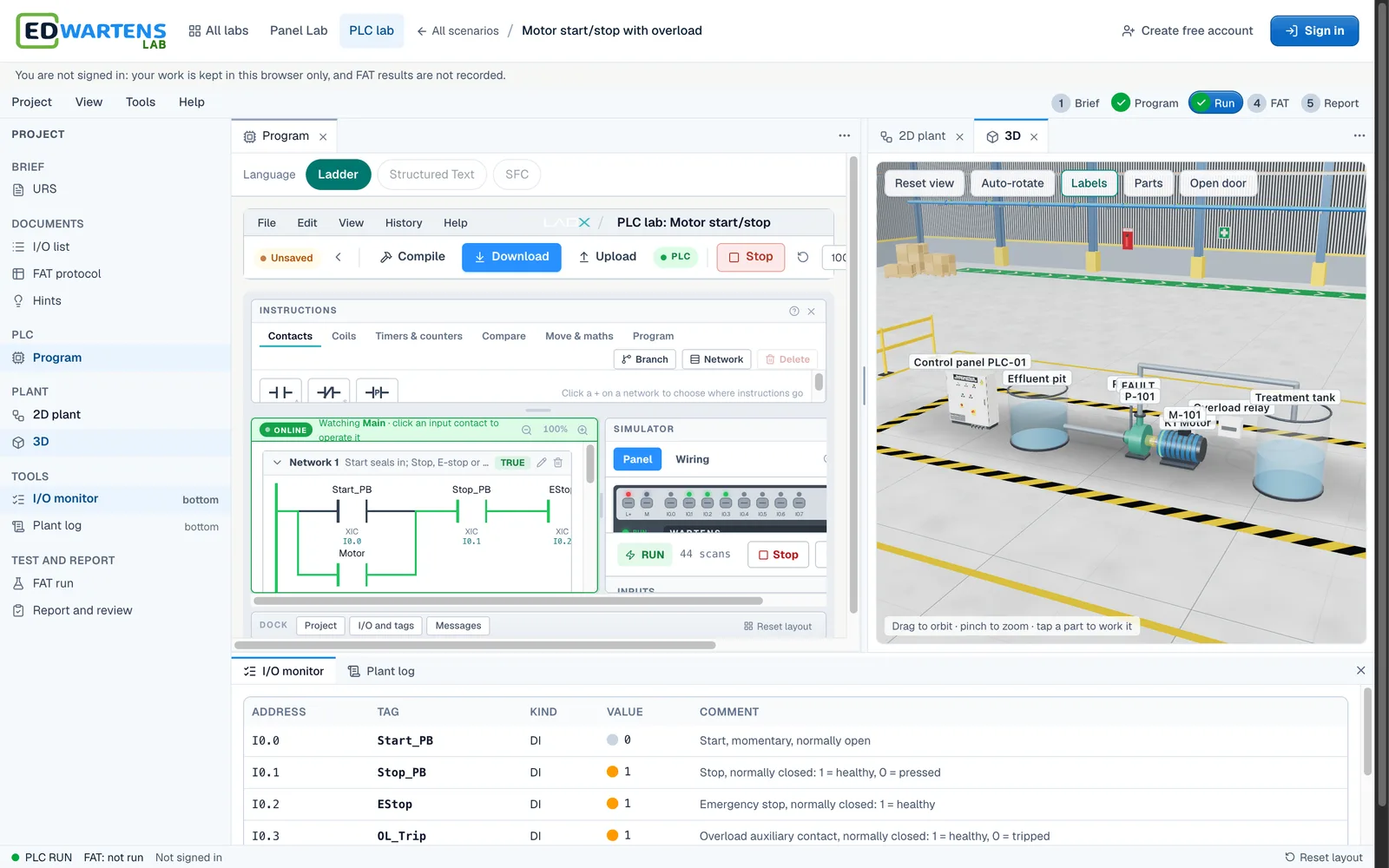
 PLC labProgram a working machine in ladder logic, press Simulate and watch it run.8 levels · about 8 hours
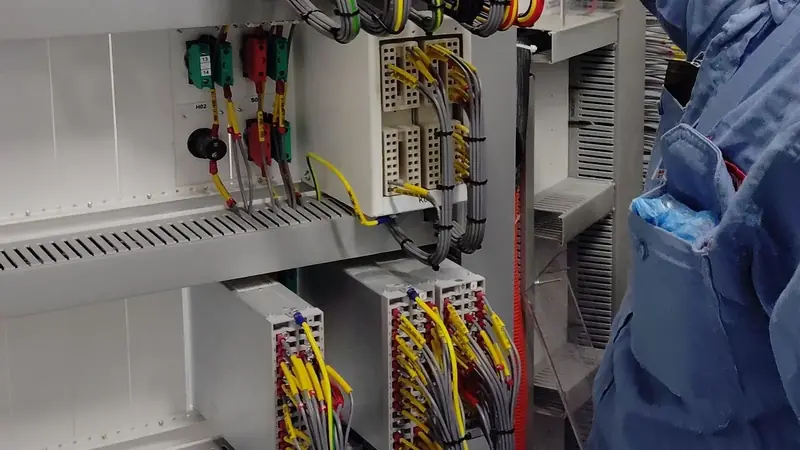
 Panel LabWire, lock out and fault-find a control panel, then prove it with a factory acceptance test.10 levels
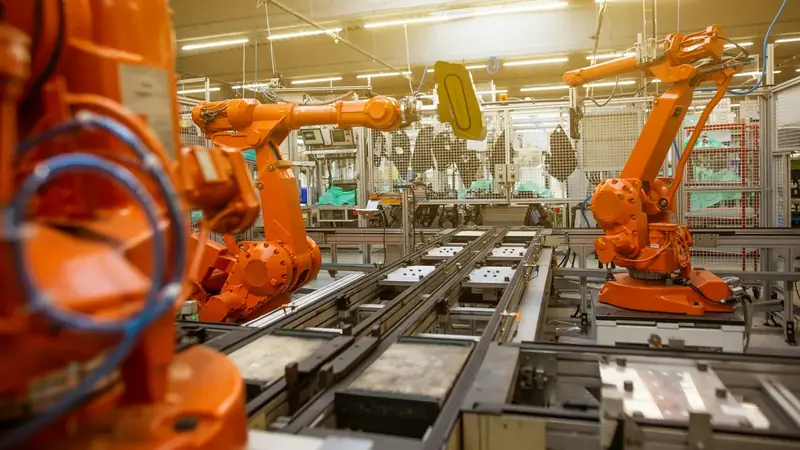 Robotics labTeach a robot arm a pick and place job and prove its handshake with the PLC.8 levels · about 4 hours
 Process labTune loops, calibrate instruments and run a plant from a SCADA room.8 levels · about 6 hours
Power and energy
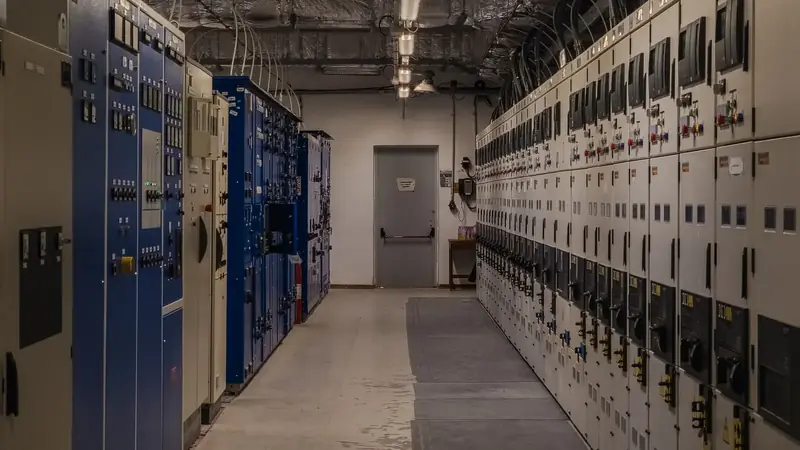
Switchrooms, motor control, solar and EV charging

AI and data
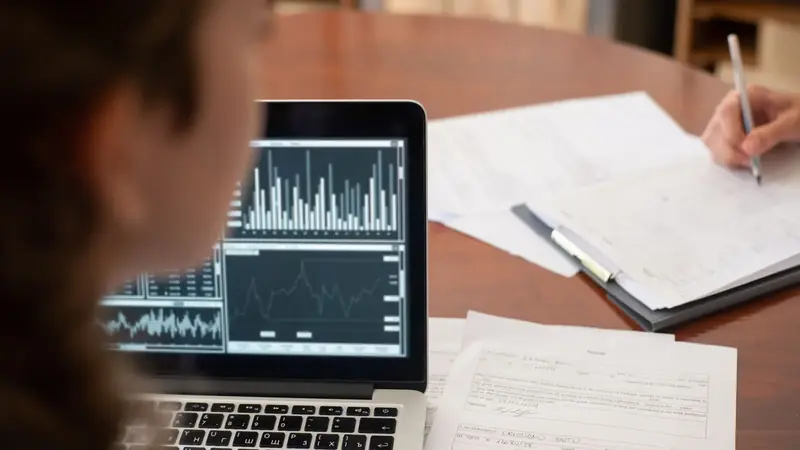
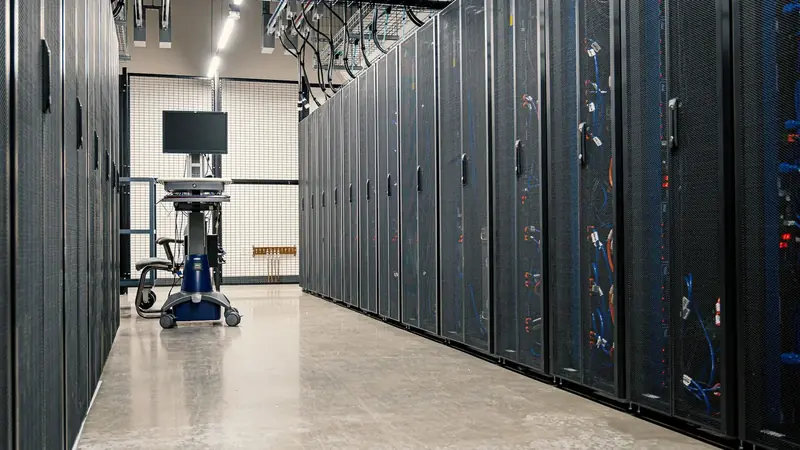
Models, data and the data centres that run them
Security
Defending industrial networks
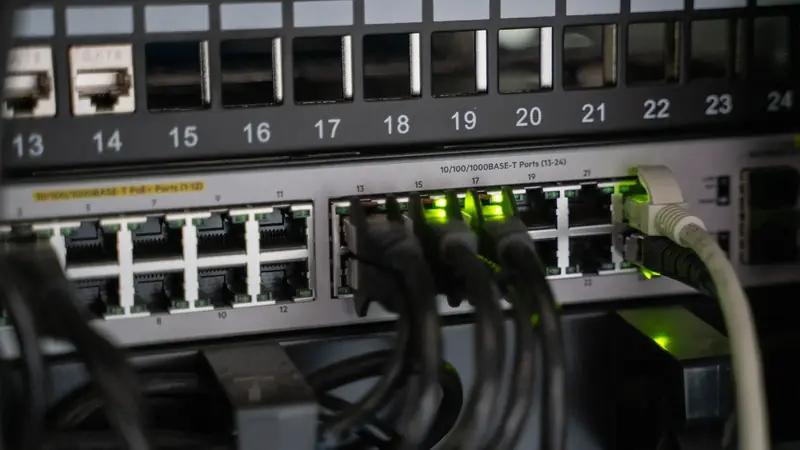
How a lab works
 01
01Read the brief
A client work order says what the job must do, with a drawing or an I/O list to work from.
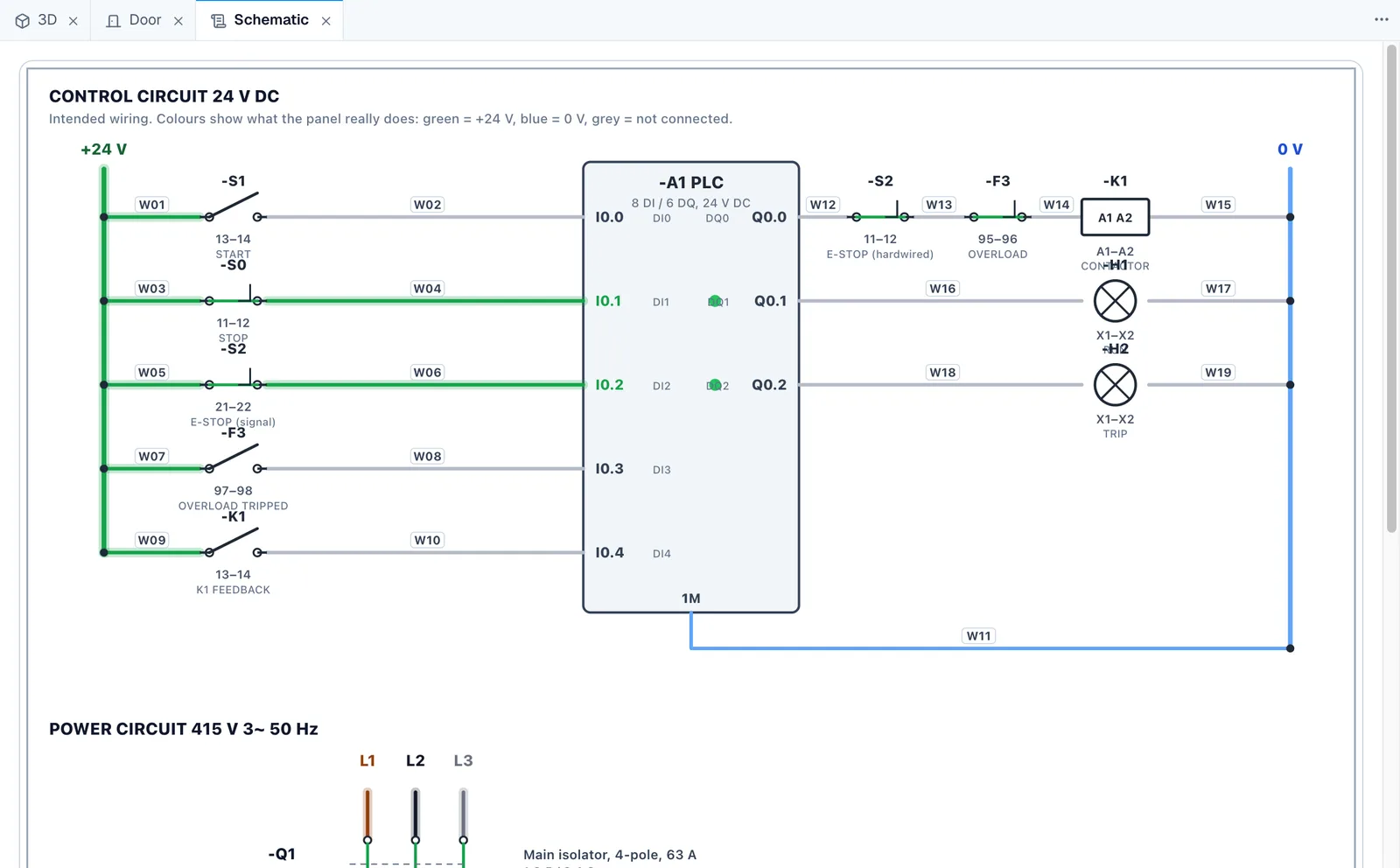
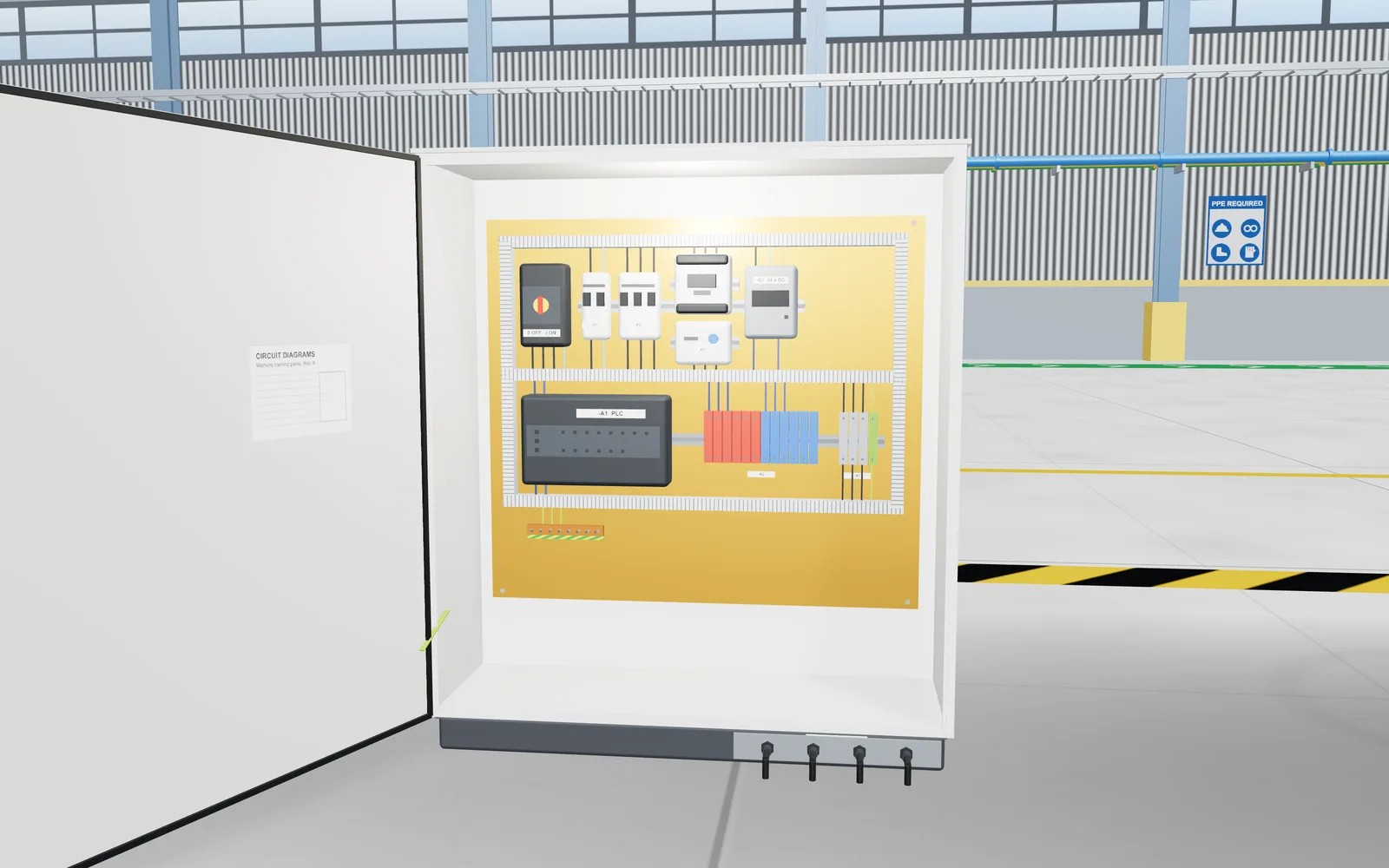 02
02Do the job
Work in 3D, with the tools a site engineer uses: meters, testers, editors, trends and charts.
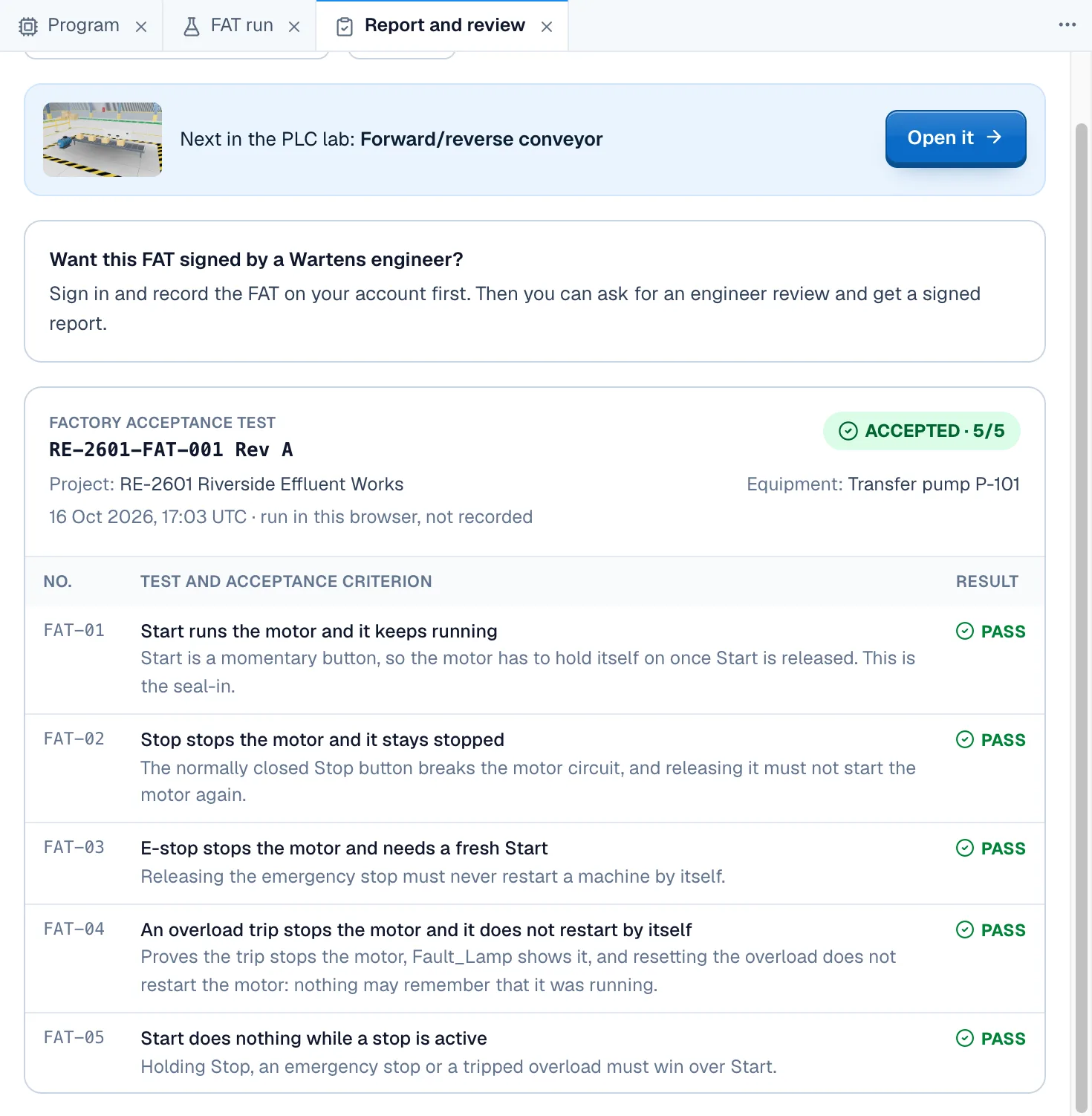 03
03Pass the test
An acceptance test checks your work. Sign in to record it and download the report.
For classes and hiring
Questions
Is the lab free?
Yes. Opening the labs, doing the jobs and passing the acceptance tests are free. Only optional extras, such as an engineer review of your report, are paid. The lab is in beta.
Do I need an account?
No, not to start. You can open any level and work straight away. A free EDWartens account records your test results, lets you rate a lab and keeps your work on every device.
Will my work be saved?
Yes. Your work is saved as you go, on your device while you are signed out. When you sign in, it moves to your account, so you can carry on from any device.
Does it work on a phone?
Yes. Every lab opens on a phone, and nothing is installed. Wiring and programming are easier on a laptop, where you get the best view of the 3D scenes.
Is it finished?
No. The lab is in beta. Report anything that looks wrong with the Report a bug button and we fix it.
How does it connect to the internships on edwartens.com?
Lab tasks sit inside the weeks of our virtual internships. You do the task in the lab, and it closes in your internship when its acceptance test passes. An internship is training, not employment, and there is no stipend.